AI Zombie Video Generator
Two photos. A world apart. One unforgettable reunion.
About this tool
Create your own AI zombie love story: a tearful armed standoff in a rainy ruined city, a moment of hesitation, and a sudden zombie rush. A hard cut reveals a sunset memory of embraces, laughter and time together. Upload two photos to cast your characters.
Who is in your story?
Choose one clear photo for each role. The first person becomes the zombie; the second is the survivor.
The zombie character
The survivor
Use well-lit photos of one adult, with the face and outfit visible. JPEG, PNG or WebP, up to 20 MB each. Use photos you have permission to use.
80 credits for one complete video. Failed generations receive a full credit refund.
Your story starts here
See a generated example: fear and hesitation in a cold ruined city, then a hard cut to golden beach memories. Your photos guide both characters; movement and expressions vary.
Two photos become an AI zombie story
See a real generated video alongside the two photos used to create it.
AI zombie love story · Rainy city to sunset beach
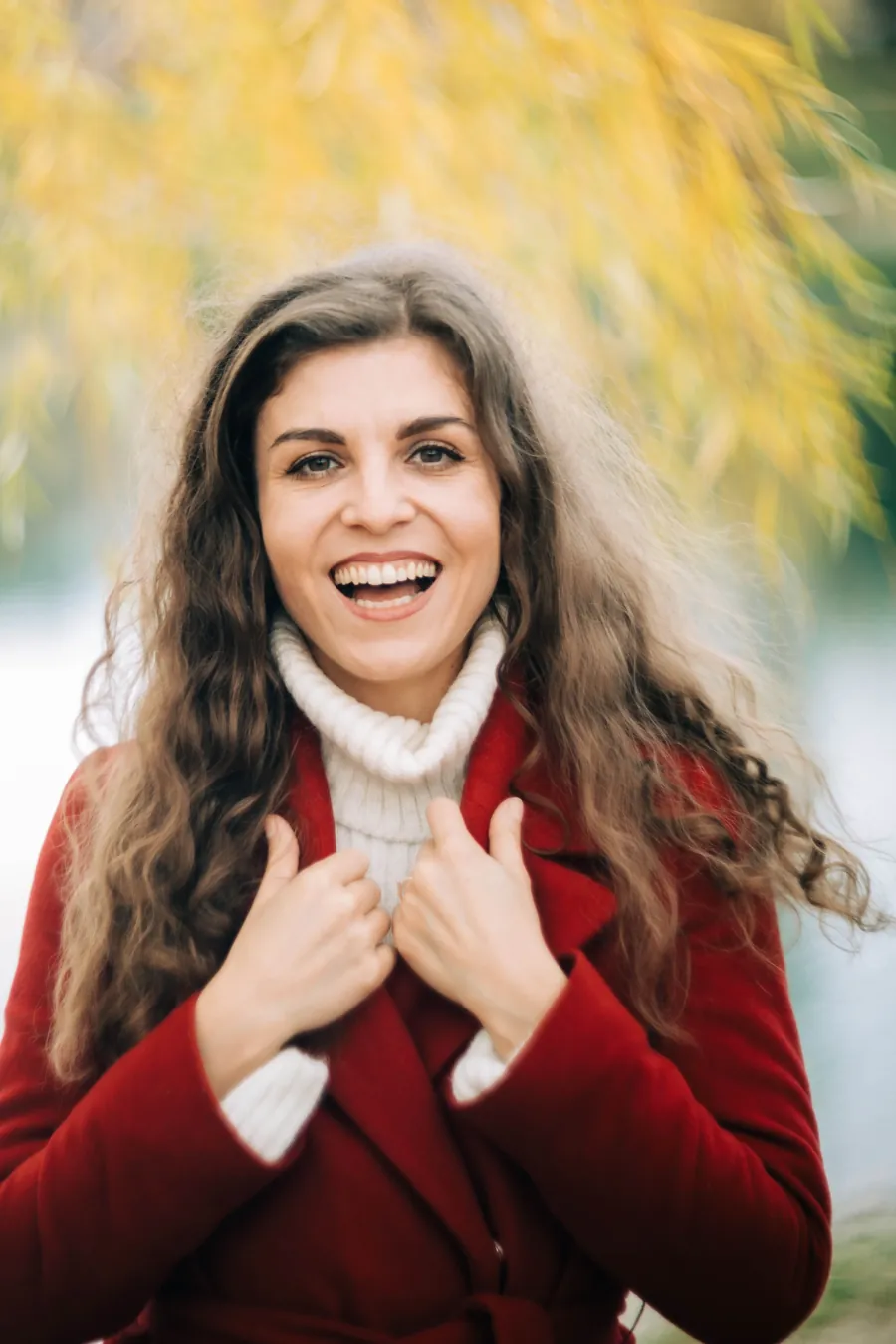
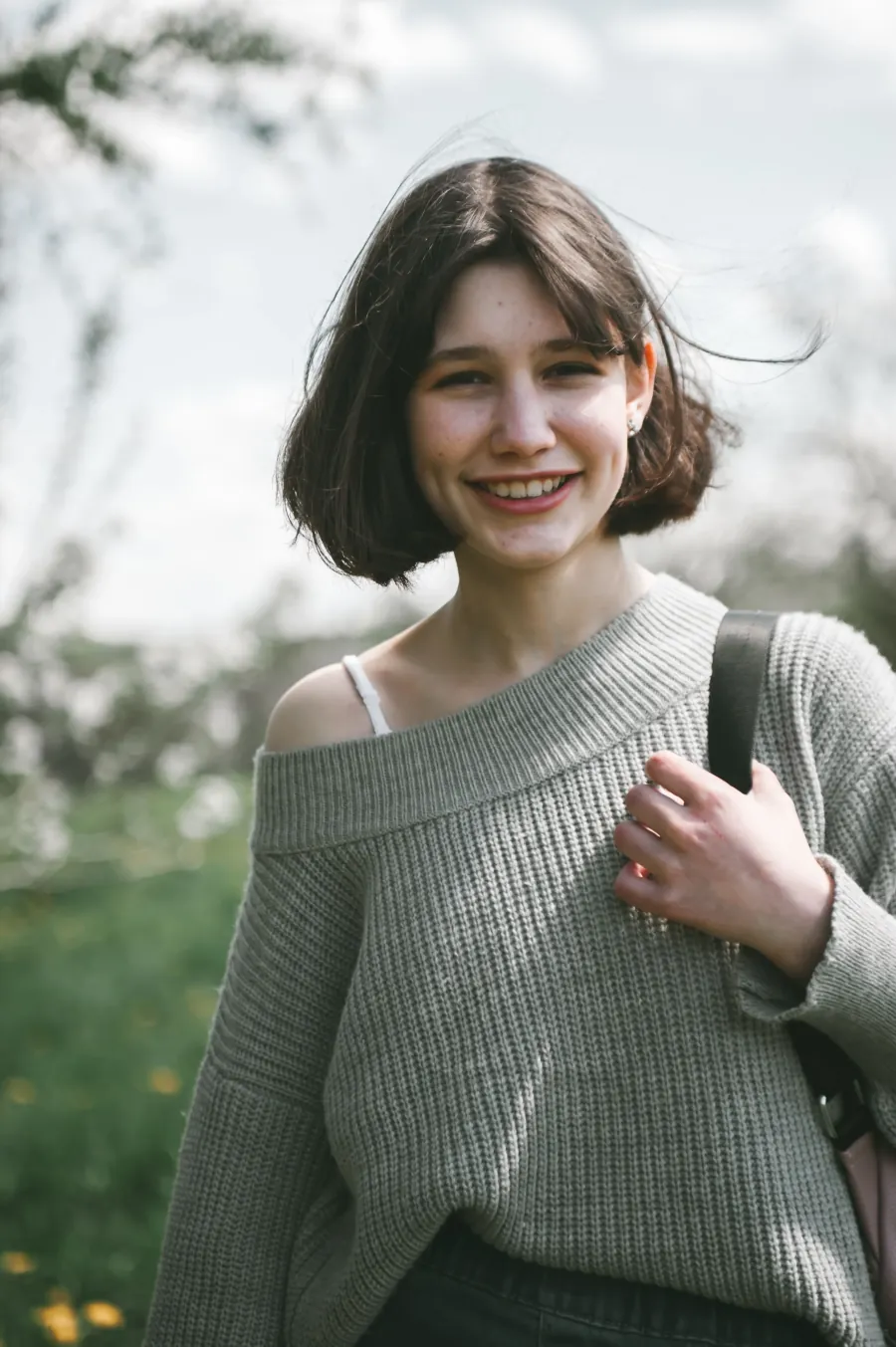
Generated with the photos shown. Facial likeness, movement and expressions vary with each generation.
COLD CITY → WARM MEMORY
The same faces. Two worlds.
Your AI zombie video follows one emotional story, with both identities carried from the ruined city into the memory.
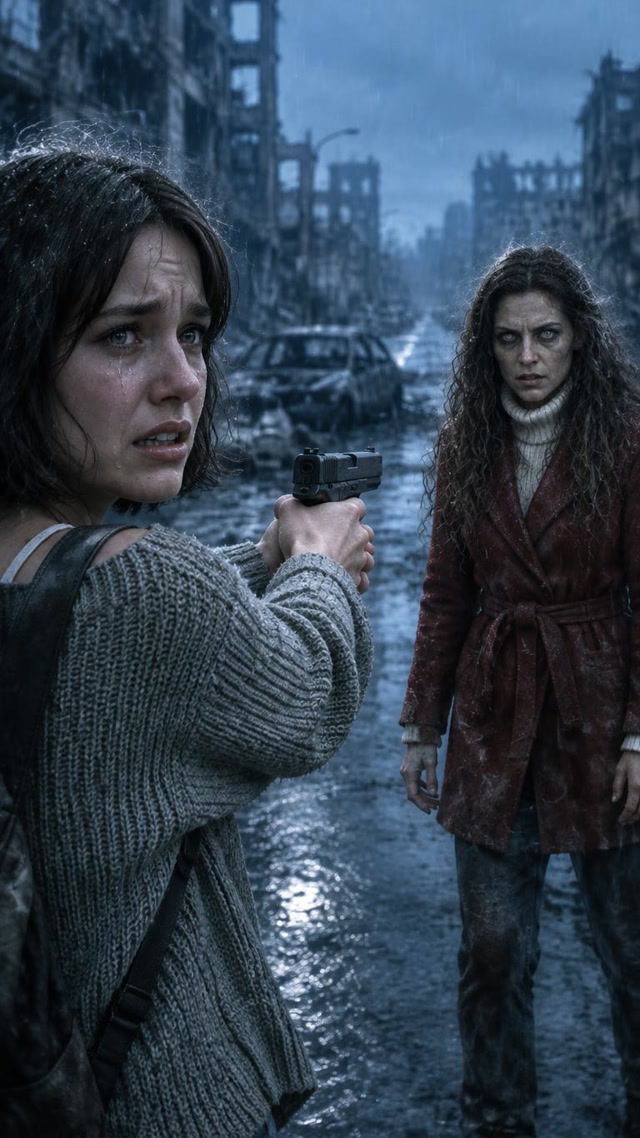
01 · The encounter
In a rainy ruined city, the survivor aims a pistol through tears, hesitates and lowers it. A familiar infected figure suddenly rushes forward, with cold close-ups and urgent movement.
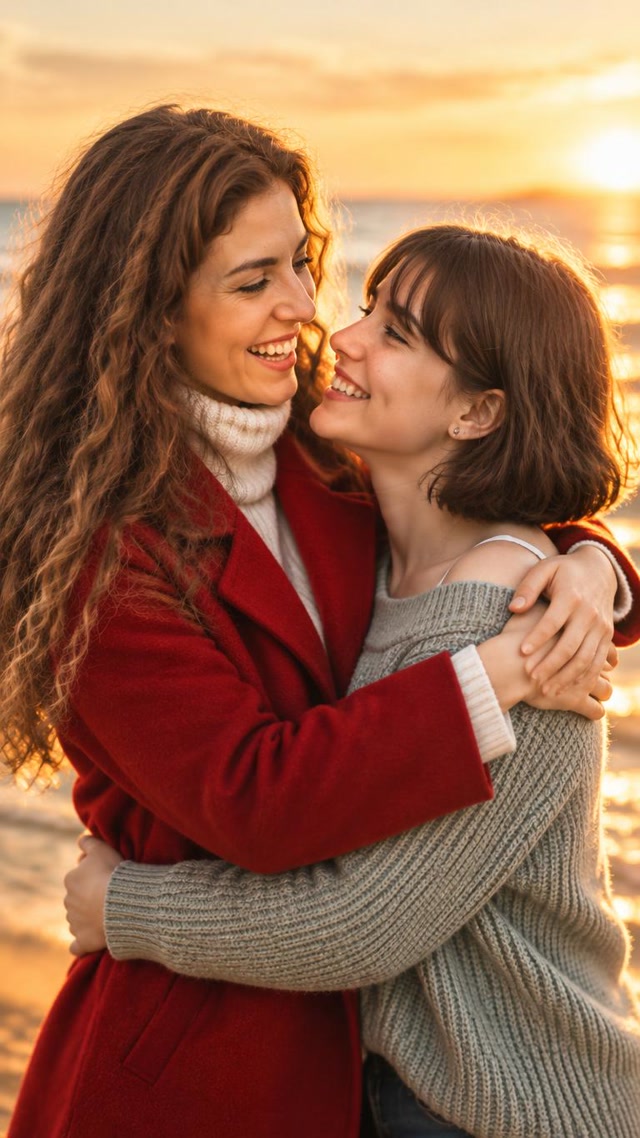
02 · The reunion
A hard cut to a golden beach: the same two people are healthy, embracing, smiling, running hand in hand and finally watching the sunset together.
How to make your AI zombie video
1. Cast your two characters
Upload one photo for the zombie character and one for the survivor. Swap the roles before generating if you want a different version.
2. Bring the story to life
The generator creates a city standoff, cuts to beach memories of the same two people, and joins an approximately 24-second AI zombie story. Keep the page open until it finishes.
3. Watch, download, share
Preview your completed vertical video and download the MP4. It is ready to use in your own TikTok, Reels or Shorts edit.
Give your characters a clear starting point
One person per photo
Choose a sharp, well-lit photo with the eyes and face visible. Avoid sunglasses, heavy filters, group shots and motion blur.
Show the outfit
A waist-up photo gives the AI zombie generator more information about clothing and accessories. Keep the face large enough to recognize.
Check the two roles
The first photo guides the zombie character in the city and the same healthy person in the memory. The second guides the survivor throughout.
AI zombie video questions
What is an AI zombie love story?
It is an AI story built around a cold-to-warm contrast: a familiar person appears infected, the survivor cries and lowers their weapon, and a hard cut reveals affectionate memories of both people healthy. This tool personalizes a fixed rainy-city-to-sunset-beach story with two photos.
How much does one AI zombie video cost?
One complete video costs 80 credits, including character images, both video clips and assembly. Credits are charged when the task is created. Failed or timed-out tasks receive a full refund of the credits charged.
Do I need two photos?
Yes. Upload one photo for the zombie character and one for the survivor. Use a clear photo of one adult for each role. The swap button lets you change who becomes the zombie.
What do I get?
An approximately 24-second, 9:16 vertical MP4 at 480p, with AI-generated sound. It combines two roughly 12-second clips, so the exact duration may vary slightly. Download the completed video promptly.
Can I close the page while it generates?
Keep the page open until the final video is assembled. AI generation runs on the server; connecting the scenes and assembling the result requires your browser. If you close the page, return while signed in within 30 minutes of starting to continue. Unfinished tasks are fully refunded after the deadline. Your latest task status is available for 24 hours.
Can I use a friend or family member?
The two adult roles can represent partners, friends or adult family members. Use photos you have permission to use. This first template is designed for two people; pet photos are not supported.
Will the video look exactly like the photos?
The photos guide the two identities and outfits, but AI can change facial details during movement and close contact. Clear faces help. Review the whole result before sharing it.
Is the AI zombie video graphic?
The video includes an armed standoff, visible zombie makeup, a sudden approach and a scream, followed by healthy warm memories. Its story avoids gunfire, biting, blood, graphic injuries and gore.
Do free accounts need to queue?
Free accounts join the generation queue, while paid accounts skip it. You still need enough credits for the video. If you buy credits during the queue, the page checks your paid status and lets your task start.