Nano Banana 2.1

Nano Banana 2.1 Image Generator

Text to image. Image to image. One workspace, the full Nano Banana 2.1 model.

About this tool

Create images from a prompt, or edit up to 14 reference images with natural-language instructions. Pick any of 14 aspect ratios from square to 8:1 banners, render at 1K, 2K, or 4K, and export PNG or JPG—no API key, no setup.

0 / 14
2991/4000
Current Credits: 04 credits / image

Examples

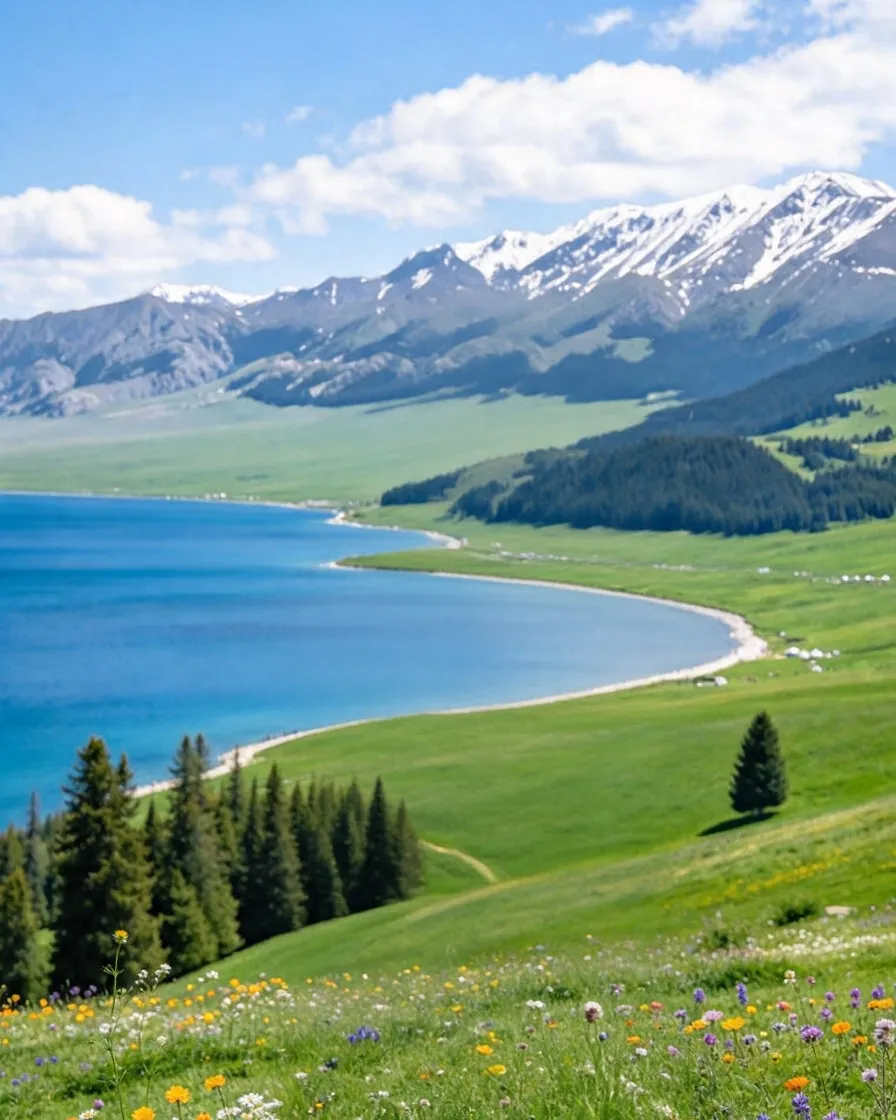
Original photo, example 1
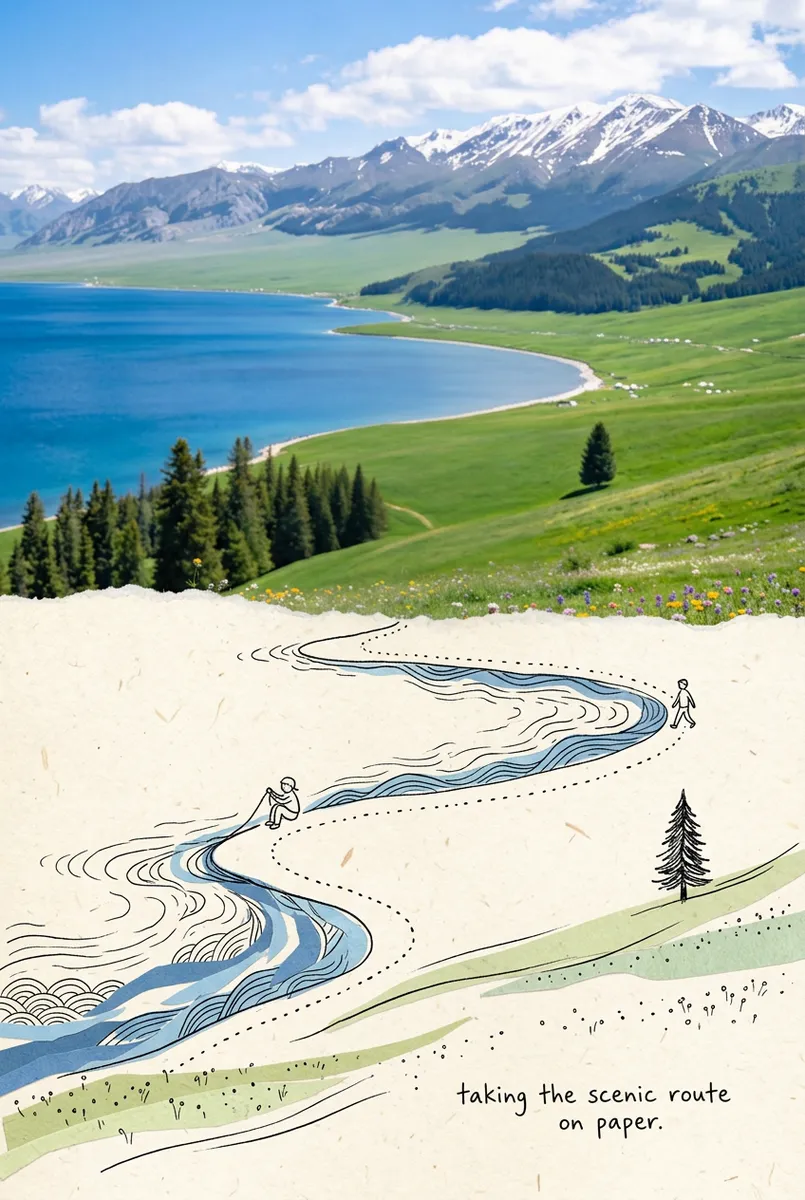
Nano Banana 2.1 result, example 1
Create one independent "Second World" poster per upload. Never combine photos. Format: Vertical 3:4 canvas split into two strictly equal horizontal halves, top 50% and bottom 50%. Upper half stays photographic; lower half becomes the continued Second World. They must read as one scene. Upper Half: Keep the photo faithful. Preserve subject, pose, spatial relationships, color atmosphere, and natural light. Do not redesign, repaint, replace, or restage it. Only allow necessary proportional cropping. Continuity: The top-to-bottom connection is the highest priority. Identify one source structure that naturally reaches the center split, such as a road, shoreline, water, reflection, branch, light, architecture, or body movement. This structure must cross the boundary and continue into the lower half. The Second World must begin from the photograph itself, so the same scene passes through the seam and changes physical rules. Transition Edge: The center may use an irregular torn-paper edge, but the tear must follow the source structure, not act as decoration. Allow source elements to touch, follow, break through, or extend beyond it. Never force the same tear shape onto every image. Lower Half: Use ivory paper with subtle fibers and abundant negative space. Continue the chosen structure downward from the exact point where it meets the split, then reinterpret it with restrained photo fragments, cut-paper forms, and minimal black hand-drawn lines. The lower world must remain visibly attached. Never isolate it as a separate portal, window, stage, platform, or floating vignette unless clearly derived from the photo. Second World Logic: Ask: if this structure became touchable, usable, enterable, or changeable, what would it naturally become? Create one image-specific interaction. For example, water may stay attached while being pulled, a road may continue as a drawn path, or light may become something held. Do not mechanically repeat actions. Figures: Add 0-3 tiny black line figures only when useful. They must physically interact with the continued structure. If the source already contains strong human action, add none. Never use figures as decoration. Caption: Add one short handwritten English caption based on the action. Keep it natural, light, and slightly witty. No inspirational quote and no fixed "Same..., different..." phrasing. Style: Real photography above, warm paper below, minimal black line doodle, subtle handmade collage texture, independent-magazine mood, bright, airy, and restrained. The result should feel as if the second world was already hidden inside the photo and simply continued downward. Negative: No detached lower-half illustration, no generic torn-paper template, no isolated portal, no unrelated vignette, no broken continuity, no dense illustration, no random decoration, no crowd, no altered photo colors, no redesign of the upper image, no glossy 3D, no scrapbook clutter, no gibberish text, no watermark, no logo, no UI.
4 credits
per image, from
~60s
typical generation
14
aspect ratios
4K
max resolution

Nano Banana 2.1 Examples

Switch between Image to Image (original on the left, Nano Banana 2.1 edit on the right) and Text to Image (prompt-only results). Click any example to load its prompt into the generator above.

How the Nano Banana 2.1 Generator Works

Pick a mode, feed it a prompt or your photos, and download the result.

Step 1

Pick a mode

Choose Image to Image to edit reference photos, or Text to Image to create from scratch. Both run the same Nano Banana 2.1 model with the full parameter surface.

Step 2

Add your prompt and images

Describe what you want in plain language, or start from a built-in preset like 80s Photo. For edits, upload up to 14 reference images, then set aspect ratio, format, and resolution.

Step 3

Generate and download

Your image renders in about a minute. Download it as PNG or JPG—save it right away, because generations aren't stored on your account.

Why This Nano Banana 2.1 Generator

The full model surface of Nano Banana 2.1, wrapped in a workspace you can actually use

Up to 14 Reference Images

Image-to-image editing accepts up to 14 references: combine people, products, and styles, and steer the edit with natural-language instructions.

14 Aspect Ratios, Up to 4K

From square to 9:16 story formats and ultra-wide 21:9 or 8:1 banners, rendered at 1K, 2K, or 4K resolution.

Consistent Identity Editing

Nano Banana 2.1 keeps faces, products, and details faithful across references—restyle a scene while the subject stays recognizable.

Preset Prompts Built In

Start from curated presets like 80s Photo instead of a blank box, then tweak the prompt until it's yours.

What to Use Nano Banana 2.1 For

Generation and editing use cases the model handles particularly well.

Product & e-commerce visuals

Drop in product photos and restyle the scene, background, or lighting with instructions—no reshoots, no Photoshop.

Marketing & social creatives

Generate campaign concepts from a prompt, then edit them toward your brand: format variants for every channel in one session.

Portrait & photo restyling

The built-in 80s Photo preset turns a modern portrait into a convincing 1985 photograph with identity preserved—one click, no prompt writing.

Multi-image compositions

Blend up to 14 references into one scene—combine people, outfits, and backgrounds while each element stays true to its source.

Nano Banana 2.1 Generator FAQ

Answers about generating and editing images with Nano Banana 2.1

Nano Banana 2.1 is Google's image generation and editing model from the Gemini family. It creates images from text prompts and edits reference images from natural-language instructions, with a strong reputation for keeping faces and details consistent across edits. On this page you get the full model: text-to-image and image-to-image with up to 14 reference images.