
MiniMax H3 Image Generator & Editor
Text to image. Image to image. One MiniMax H3 Image workspace for generating and editing.
About this tool
Create images from a prompt, or upload up to 16 reference images and direct the edit in plain language—swap objects, restyle scenes, or compose people, products, and backgrounds from multiple photos. Pick any of 15 aspect ratios, export PNG, JPG, or WebP up to 4K, and pay only for what you generate—no API key, no setup.
Editing prices scale with the number of reference images—each uploaded image adds a small per-image fee. The price updates live below.
Examples
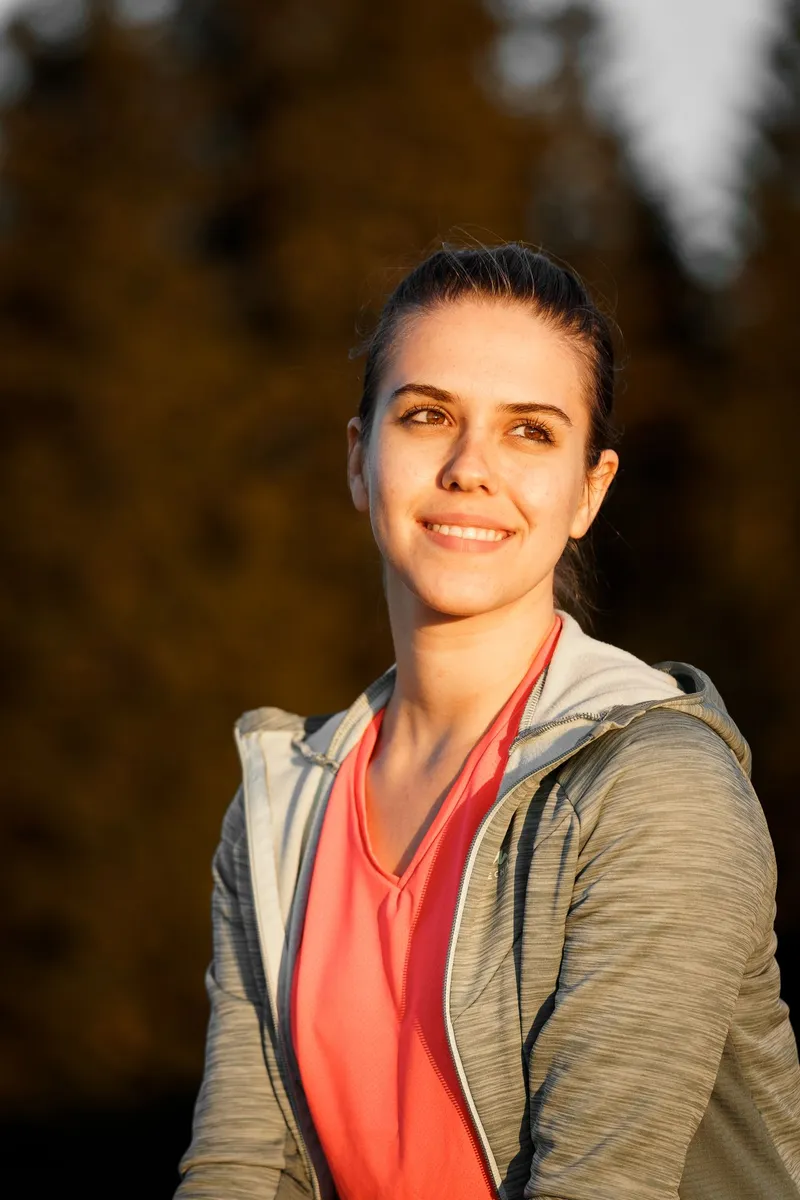
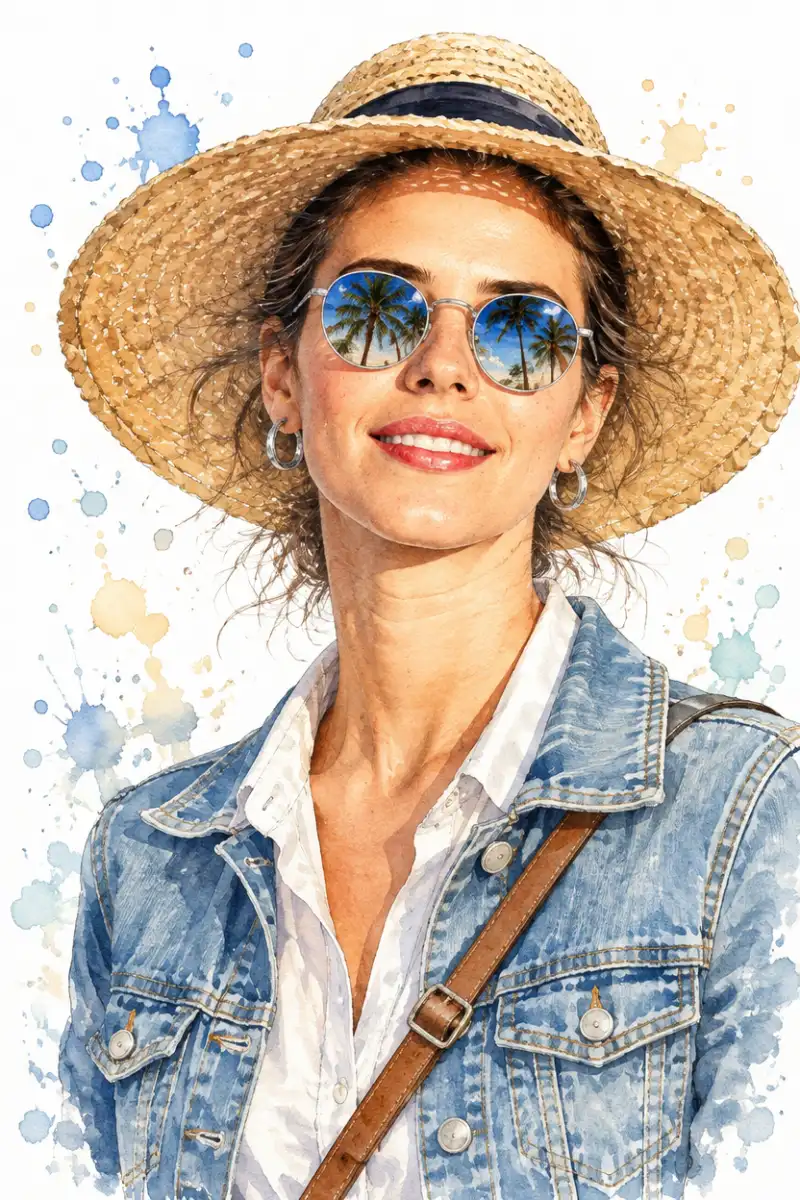
MiniMax H3 Image Examples
Switch between Image to Image (before on the left, MiniMax H3 Image edit on the right) and Text to Image (prompt-only examples). Click any example to load its prompt into the generator above.
How the MiniMax H3 Image Generator & Editor Works
Pick a mode, feed it a prompt or your photos, and download the result.
Pick a mode
Choose Text to Image to create from a prompt alone, or Image to Image to edit reference photos. H3 follows plain-language instructions precisely: transform only the object you name, keep faces, poses, and lighting intact, and leave everything else untouched.
Add your prompt and images
Describe the image you want, or start from a built-in preset. For edits, upload 1 to 16 reference images—combine a person from one photo with a product or scene from others—then set the aspect ratio, output format, and resolution.
Generate and download
Your image renders in about half a minute at 1K. Download it as PNG, JPG, or WebP, or step up to 2K at the same price and 4K for large-format prints. Results are saved to the Recent generations page for 30 days, so download a local copy before expiry.
Why This MiniMax H3 Image Generator
The full MiniMax H3 Image model surface, wrapped in a workspace you can actually use
Generator & Editor in One
Text-to-image and image-to-image share the same prompt box, aspect ratios, and formats—draft from text, then refine the keeper with references instead of starting over.
Up to 16 Reference Images
H3 image editing accepts up to 16 references per generation: merge subjects, products, and environments from separate photos and steer the composition with instructions.
Precise, Localized Edits
Name the object, region, or text you want changed and H3 edits exactly that—identity, pose, and surroundings stay recognizable, which makes it strong for product retouching and signage swaps.
15 Aspect Ratios, Up to 4K
From 9:21 story formats to 21:9 banners in 1K, 2K, or 4K—1K and 2K cost the same, so re-renders at 2K never surprise you at checkout. Output as PNG, JPG, or WebP.
What to Use MiniMax H3 Image For
Generation and editing use cases the MiniMax H3 Image model handles particularly well.
Product & e-commerce visuals
Drop in product photos and swap backgrounds, restage lighting, or place items in new scenes with instructions—no reshoots, no Photoshop masking. 1:1 renders drop straight into store listings.
Multi-image composition
Combine a model from one shot, a garment from another, and a location from a third—H3 blends up to 16 references into one coherent image while keeping each subject recognizable.
Marketing & social creatives
Generate campaign concepts, ad backgrounds, and post visuals from a prompt in 9:16, 16:9, or 21:9, then iterate on the winners by editing rather than re-prompting from scratch.
Portraits & identity-preserving edits
Restyle a portrait into watercolor illustration, editorial studio looks, or double-exposure art while the face stays clearly recognizable—references keep identity locked.
MiniMax H3 Image Generator & Editor FAQ
Answers about generating and editing images with MiniMax H3 Image