ImageLayered

ChatGPT Prompts for Photo Editing – Copy & Create

Viral photo editing prompts — retro, cinematic, cartoon, and beyond. Each one preserves your face and identity while restyling everything else: outfit, setting, lighting, and camera.

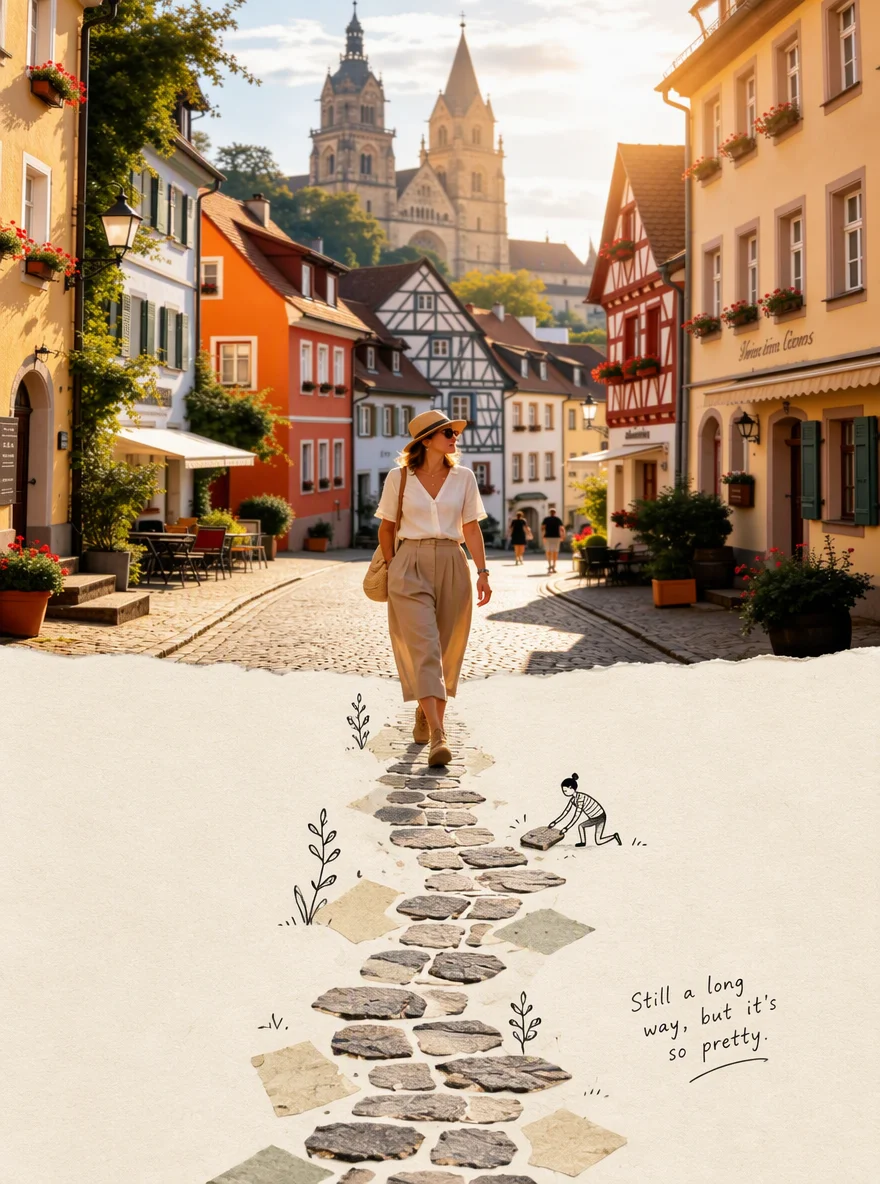
Scrapbook-Style Poster Collage
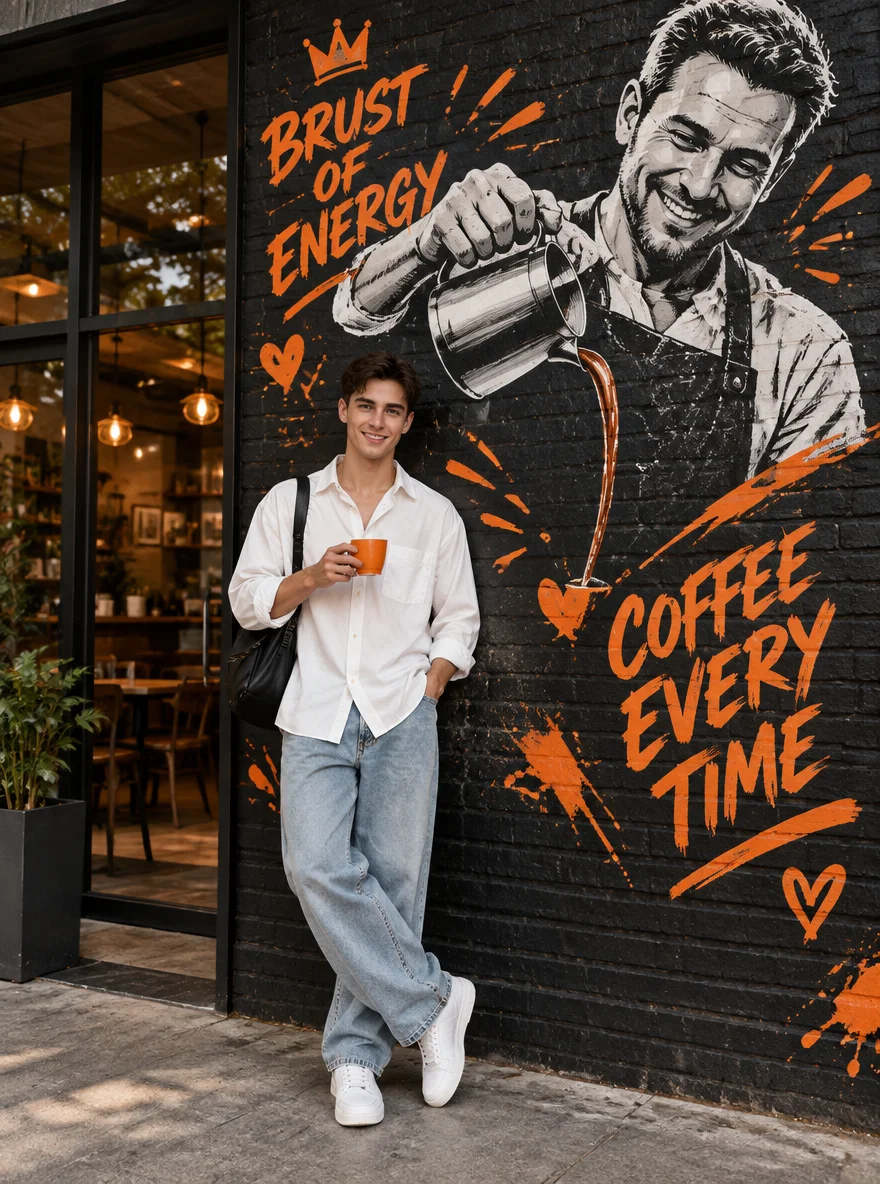
Coffee Time
Second World
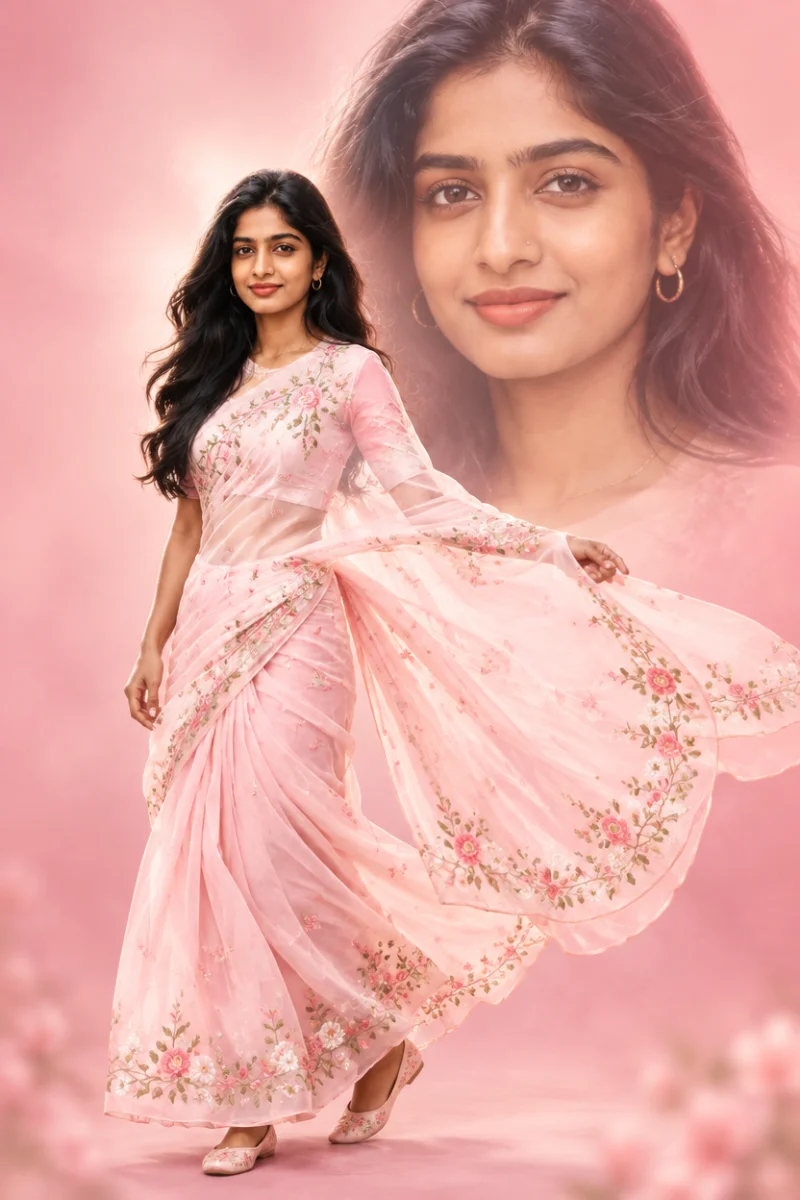
Dreamy Double Exposure
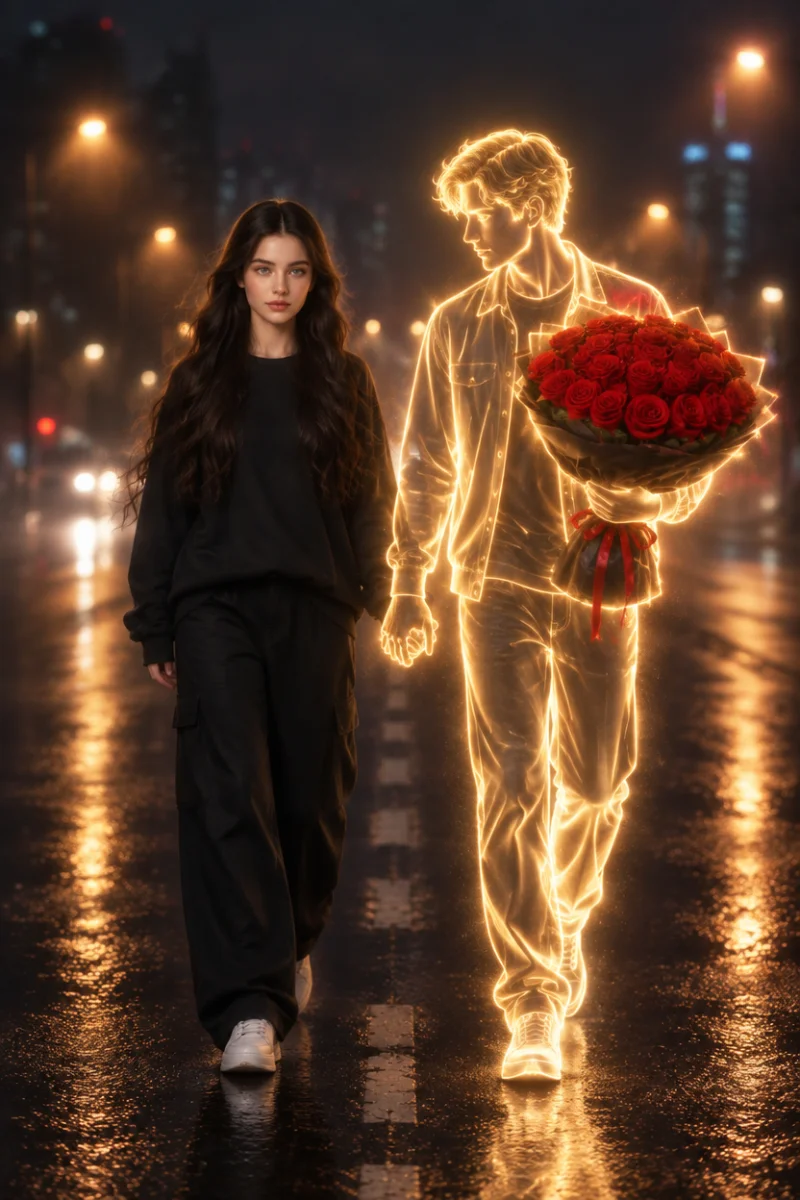
Walking With a Dream
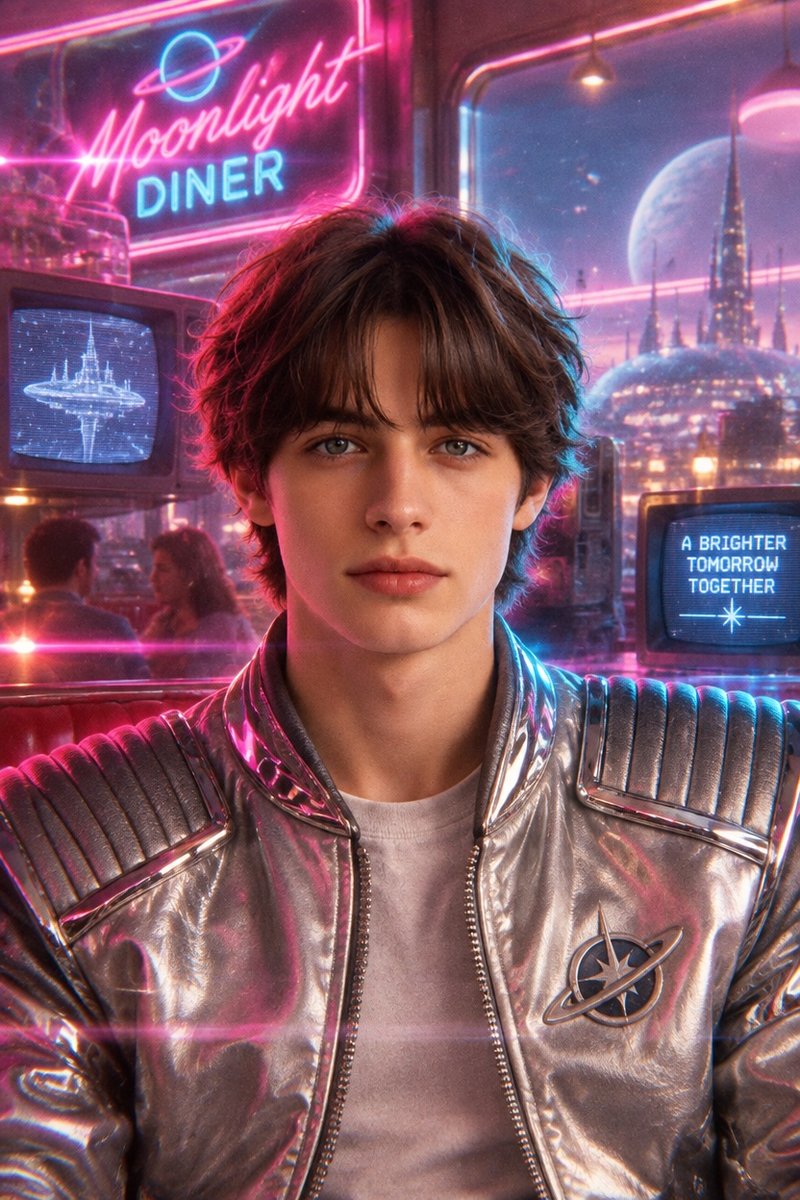
80s retro-futuristic portrait example: neon diner setting, chrome jacket, analog film grain
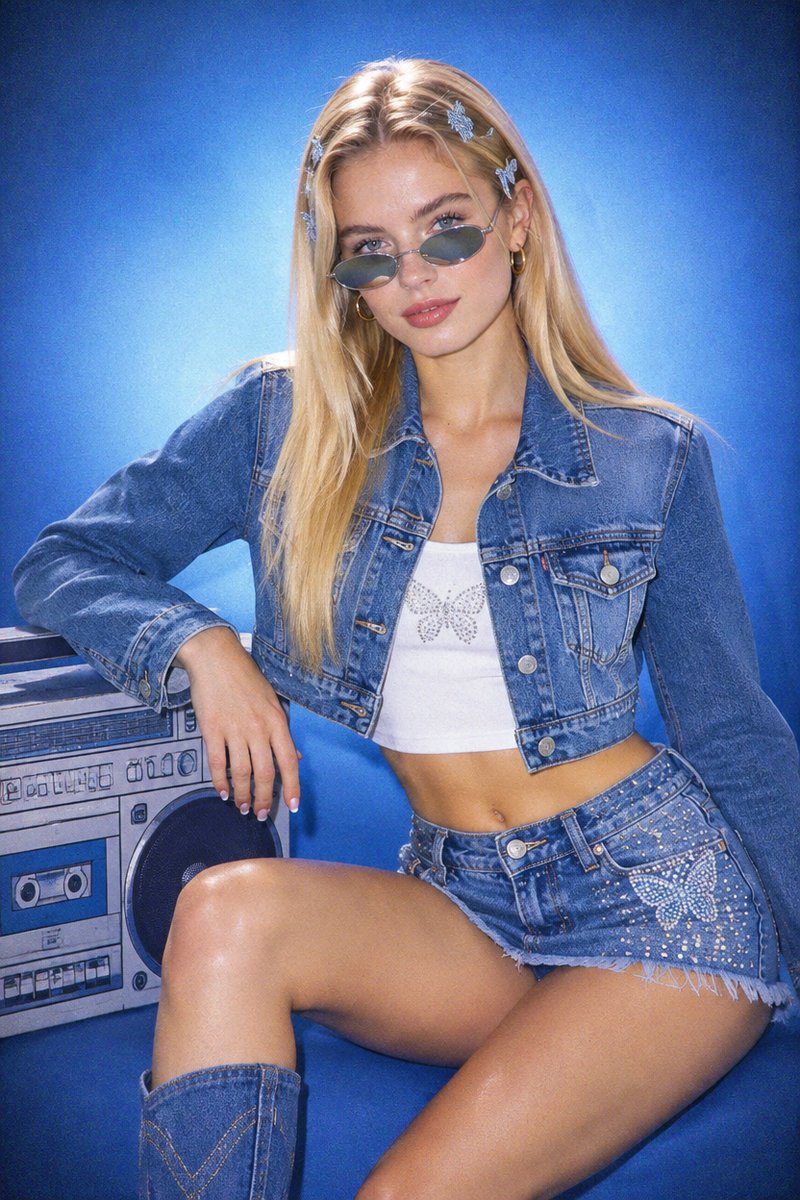
Y2K denim editorial portrait example: denim-on-denim outfit, flash lighting, early-2000s magazine grading
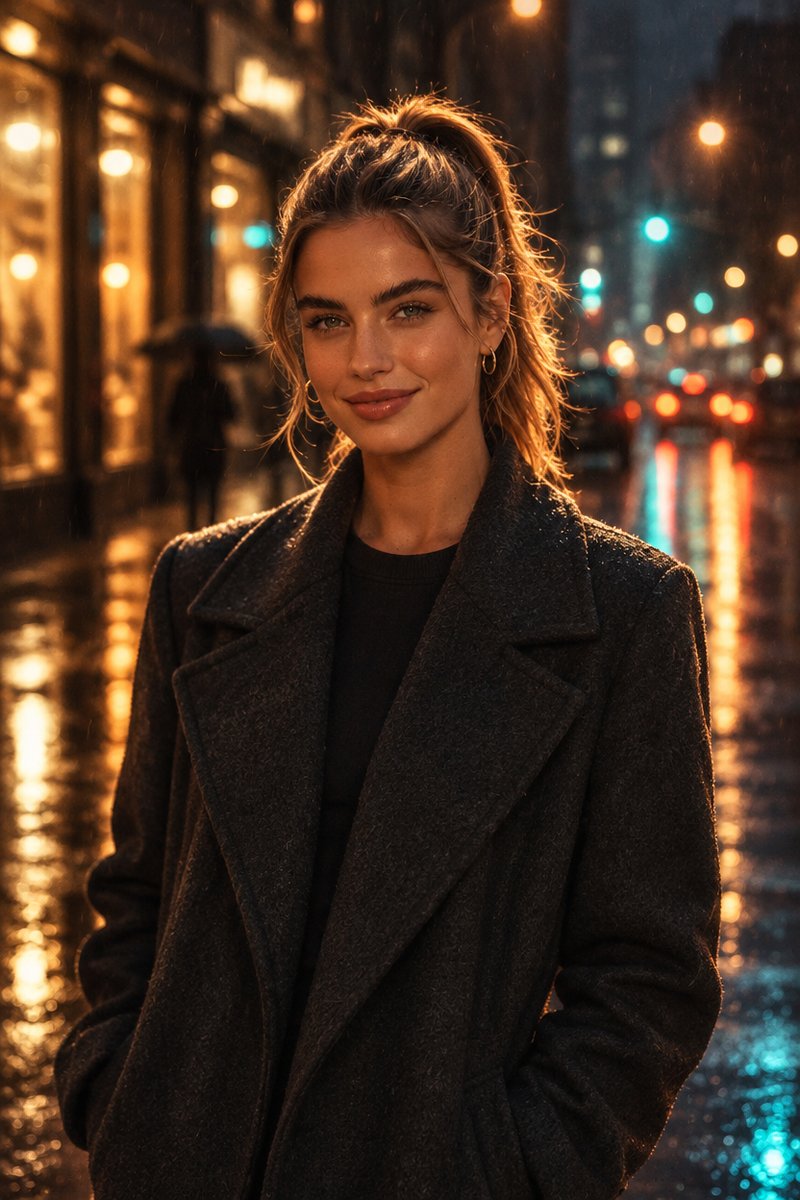
Cinematic rainy street portrait example: neon reflections on wet pavement, moody film grade
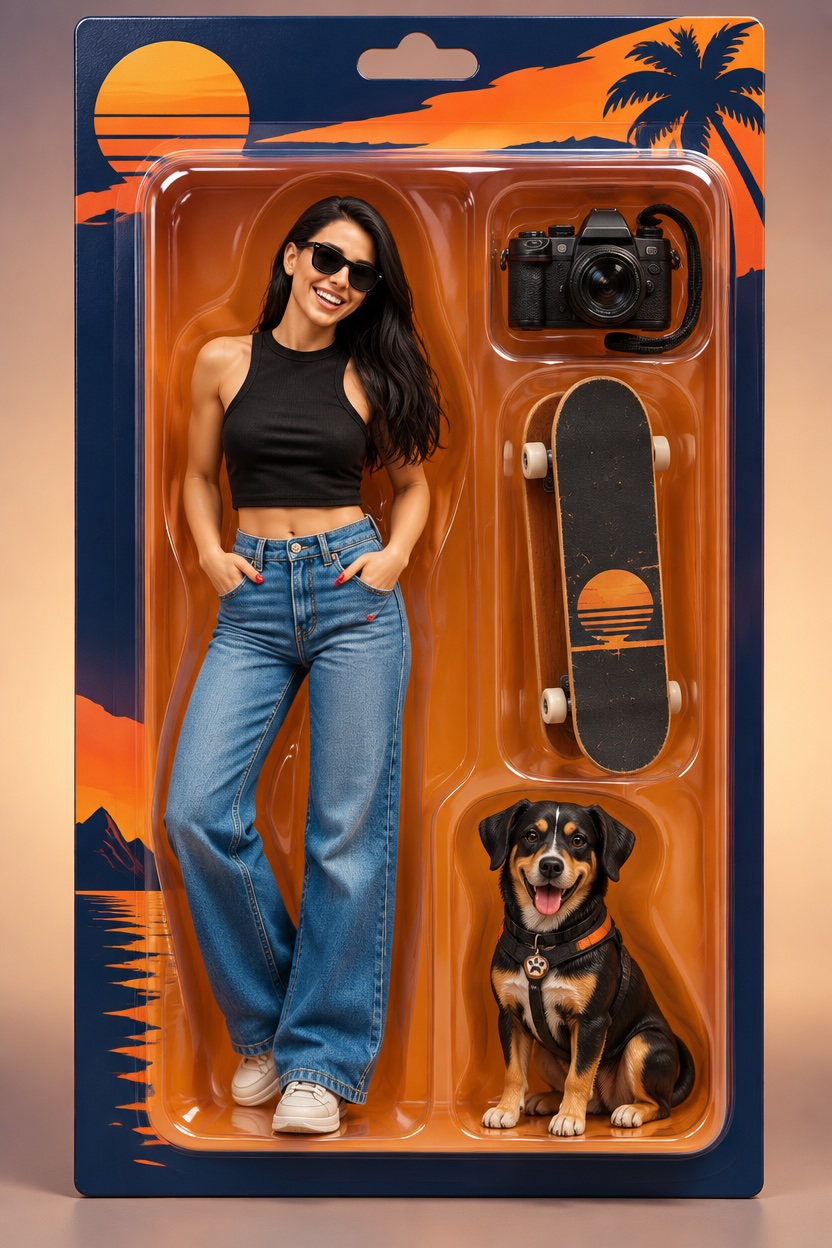
Collectible action figure example: stylized figure in a blister pack with personality accessories
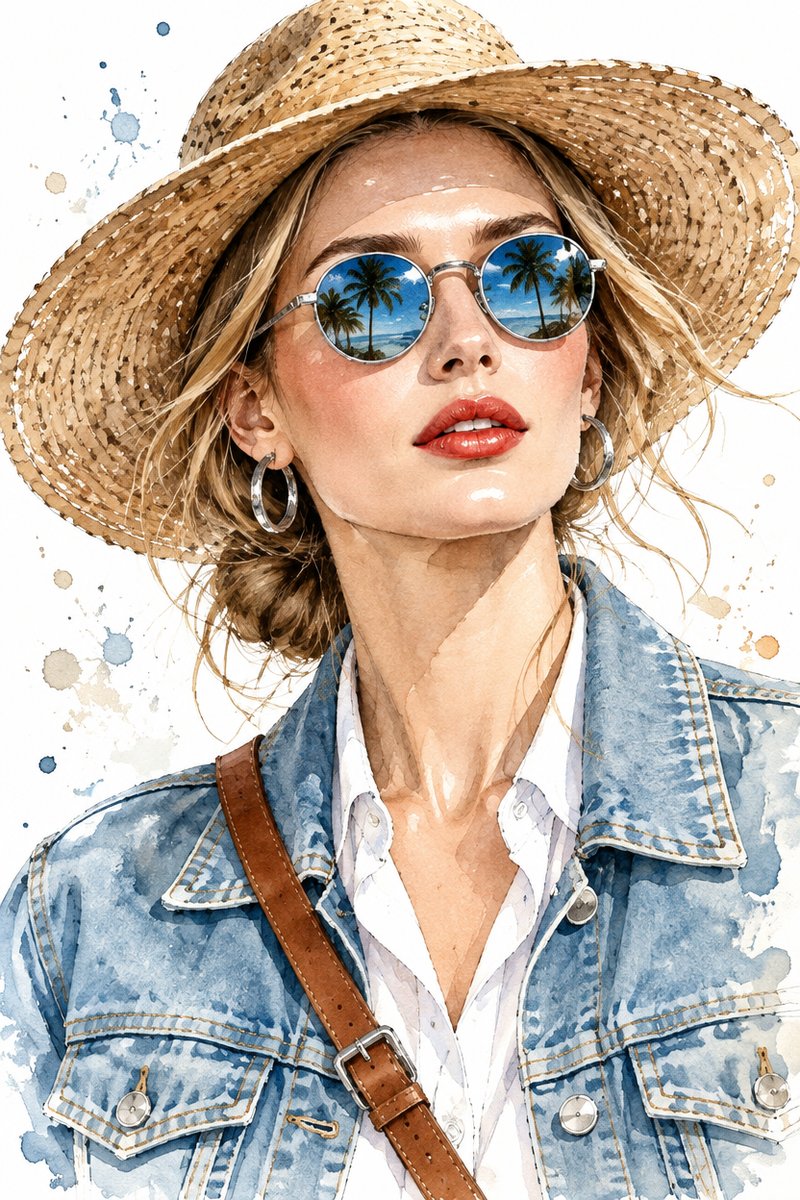
Watercolor fashion portrait example: watercolor and pen-and-ink illustration of the same woman in a straw hat and denim jacket with palm-tree reflections in her sunglasses
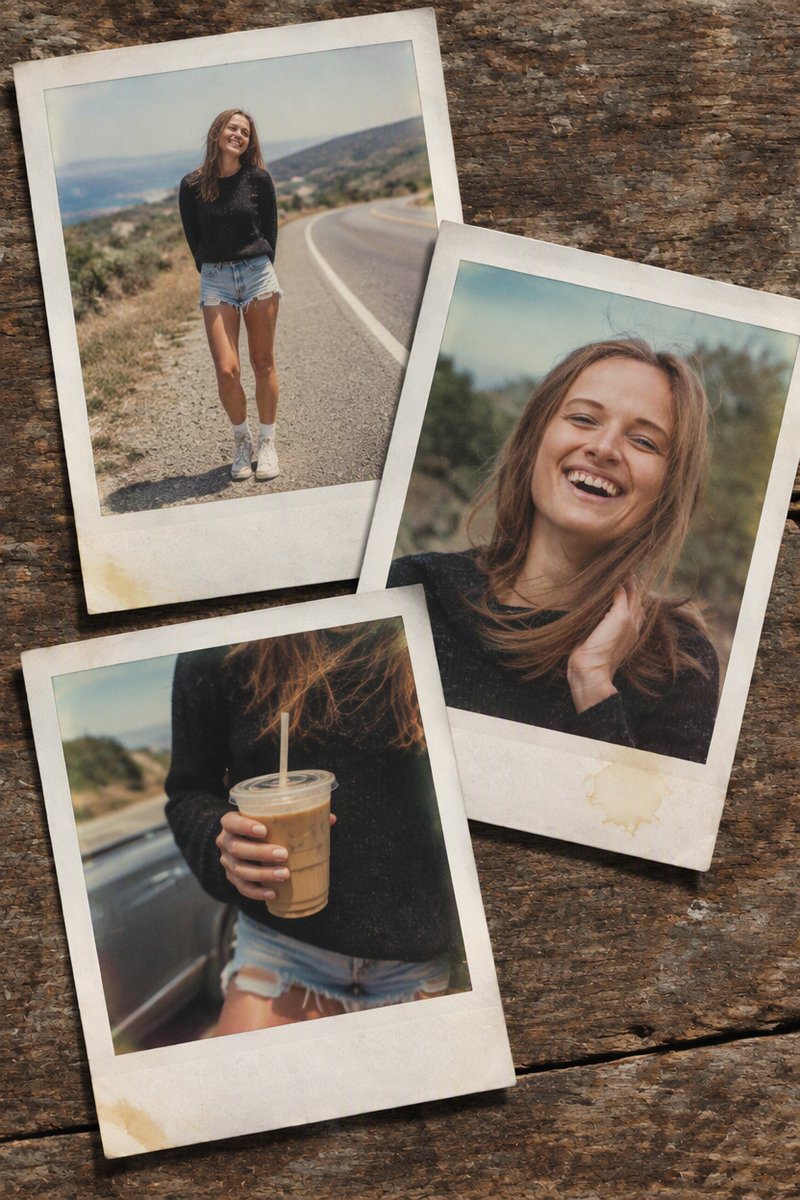
Vintage Polaroid stack example: fanned instant photos with white frames on a wooden table
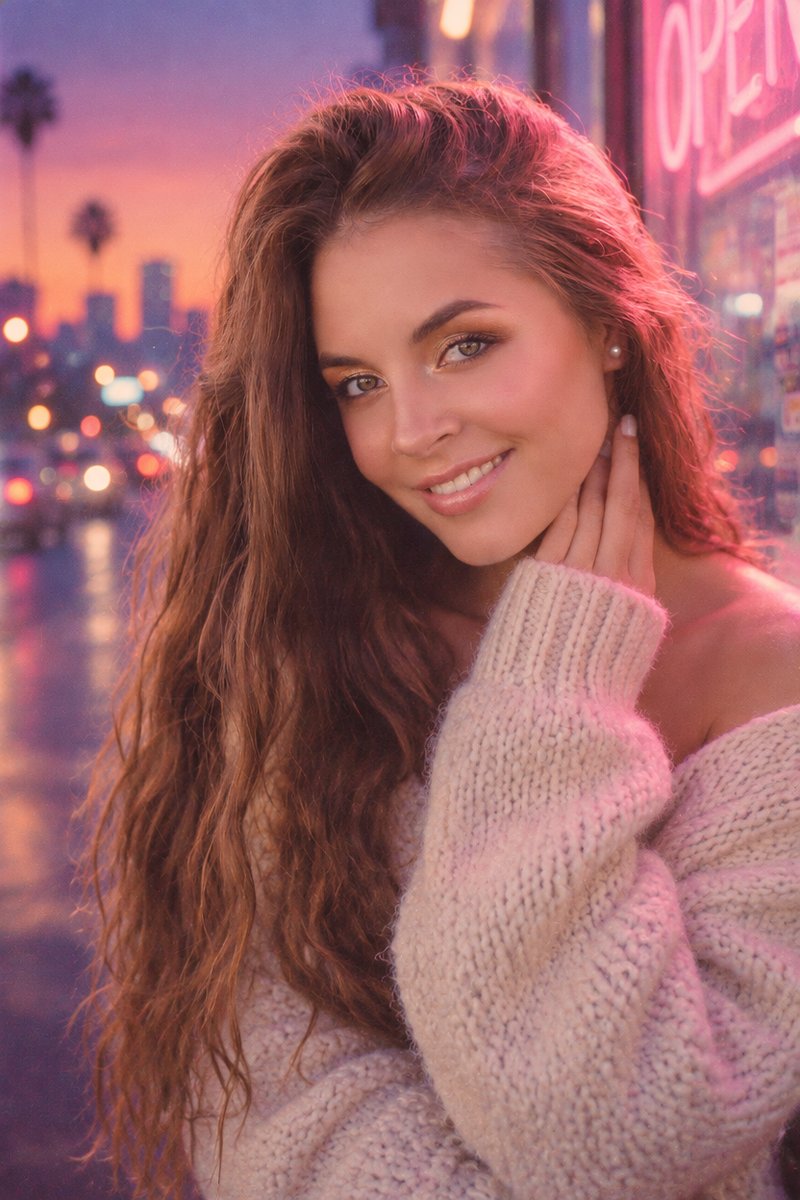
Lofi dusk portrait example: blue-hour sky, pink neon glow, creamy city bokeh, film grain
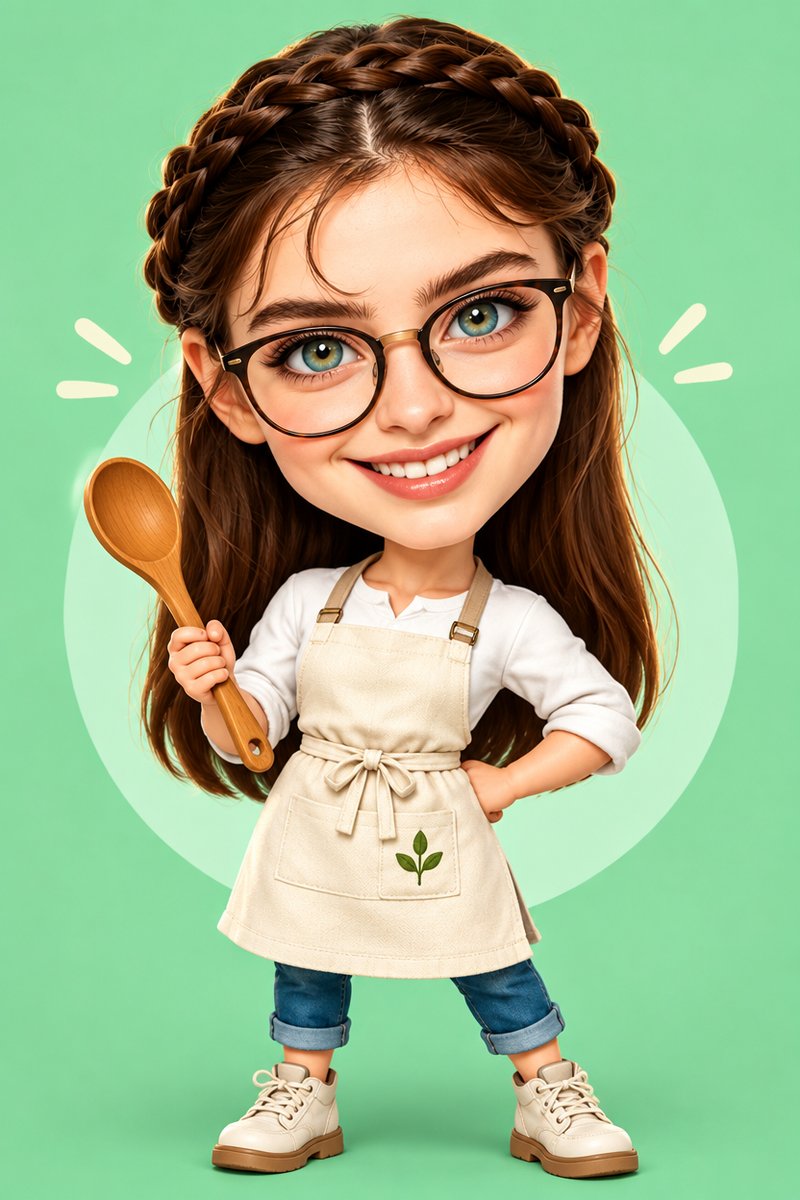
Big-head caricature example: stylized 3D cartoon character with oversized head and personality props
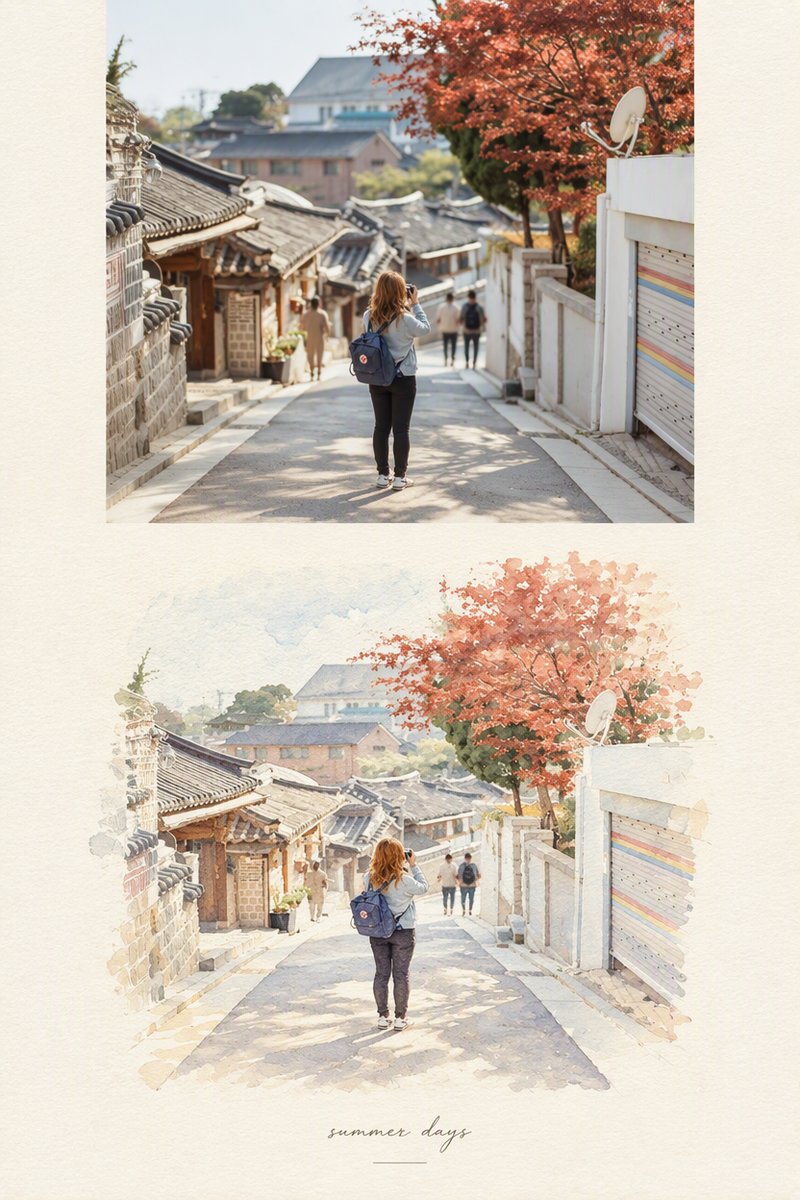
Photo-to-watercolor travel journal example: the same travel scene as a cinematic photograph on top and a hand-painted watercolor illustration below
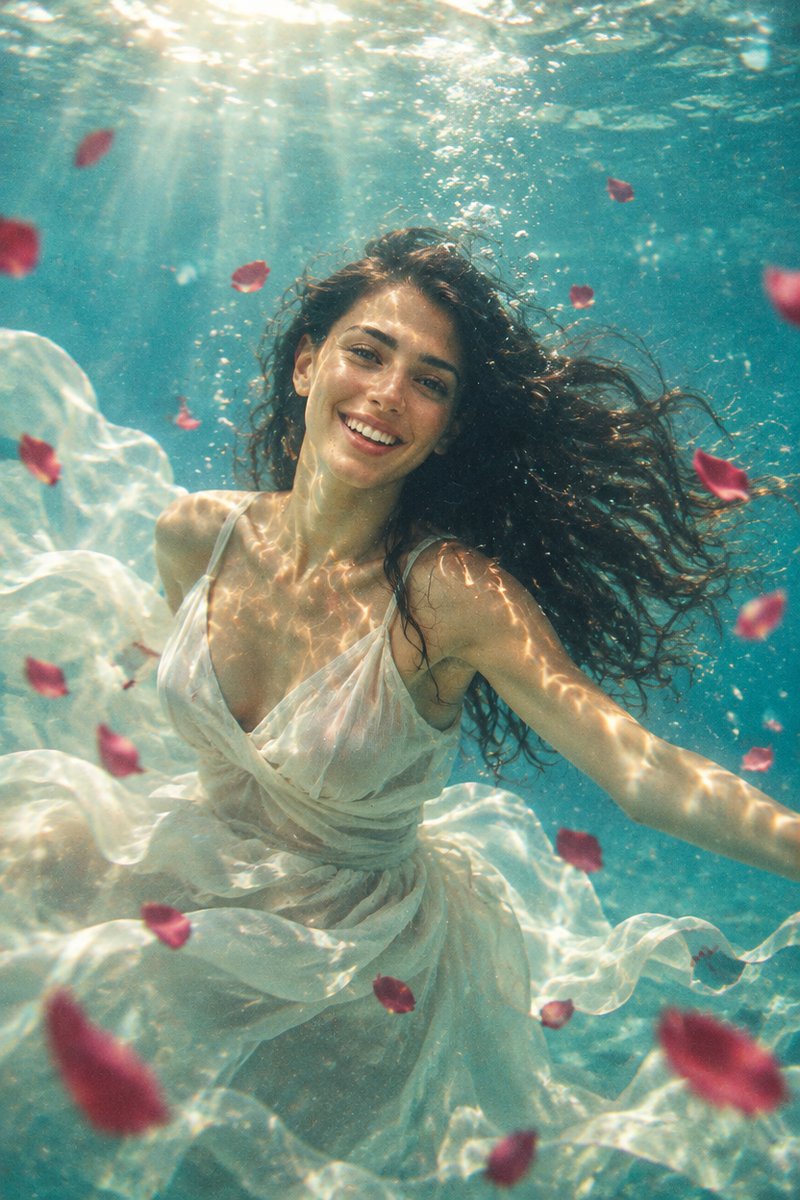
Underwater dream portrait example: floating subject, flowing fabric, caustic light patterns, faded tones
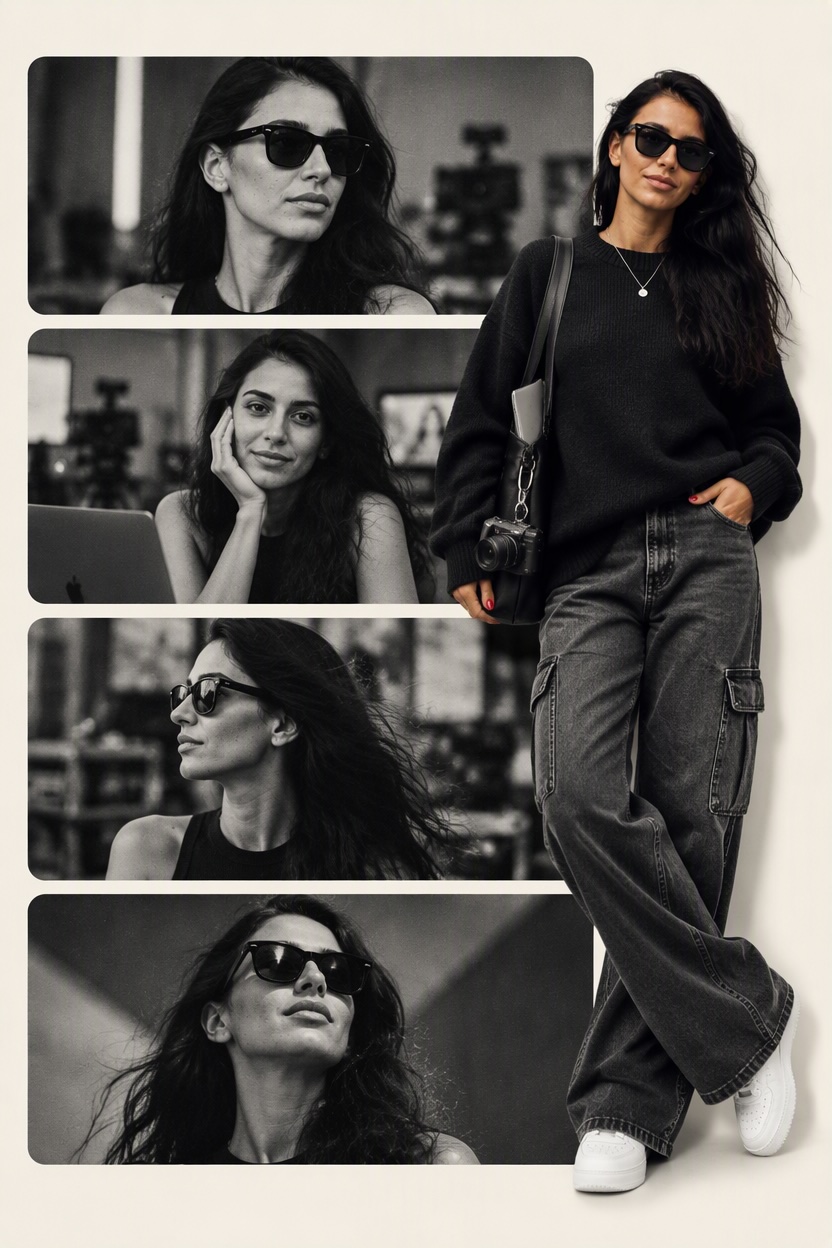
Editorial collage portrait example: four monochrome panels with one full-color full-body cutout of the same woman
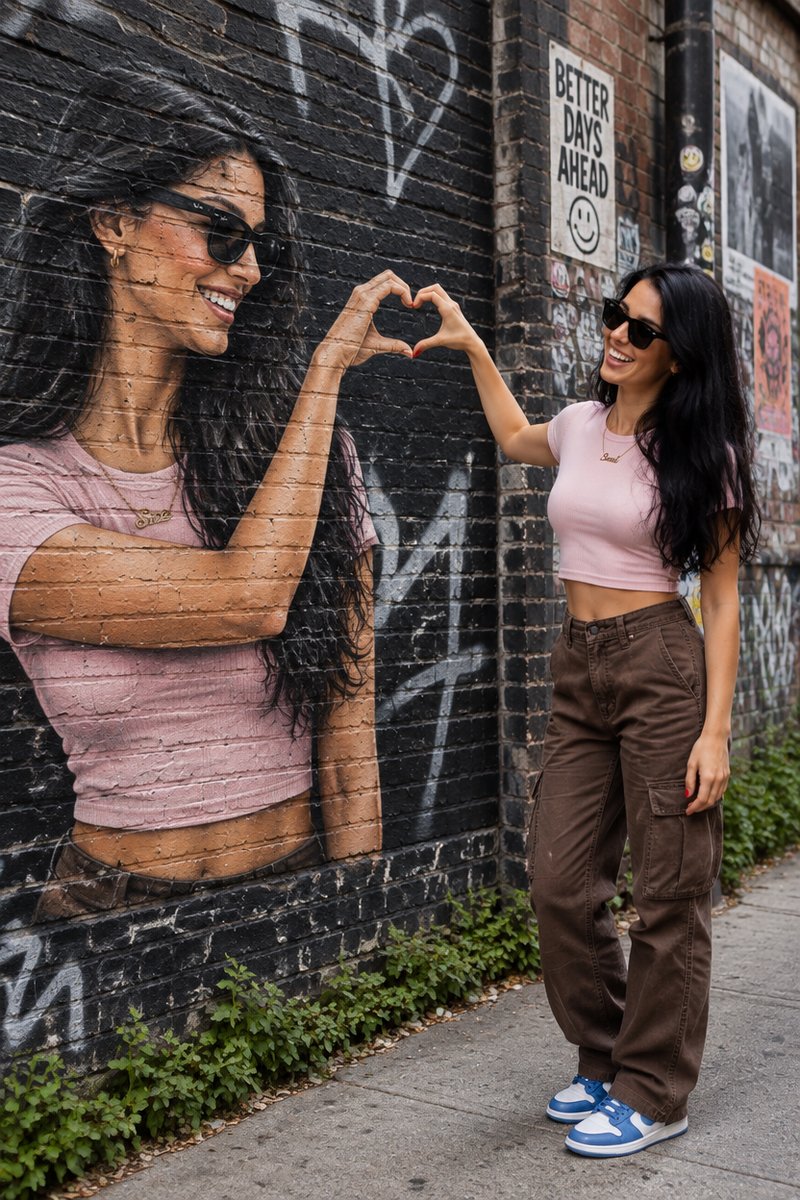
Mural twin heart illusion example: one real person and one painted twin on a brick wall joining half hearts into a full heart
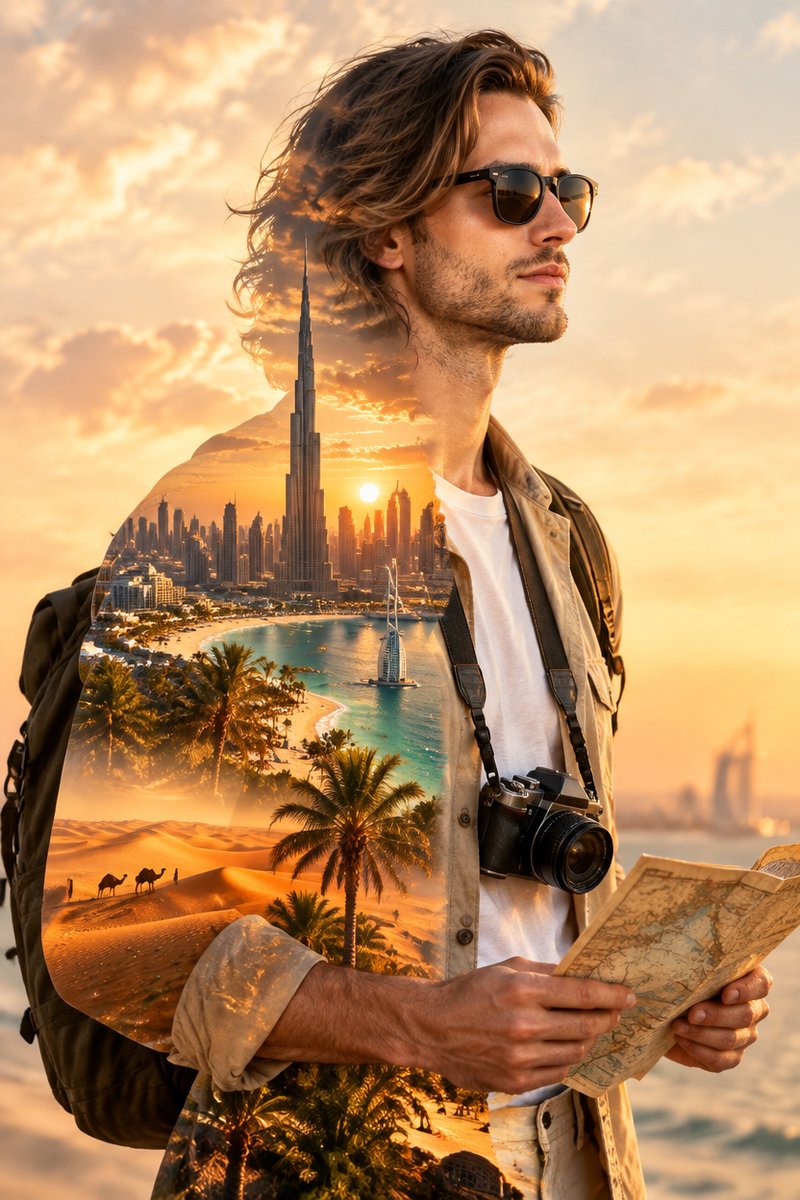
Dubai double exposure portrait example: side-profile silhouette blended with the Burj Khalifa skyline, turquoise coastline and desert dunes
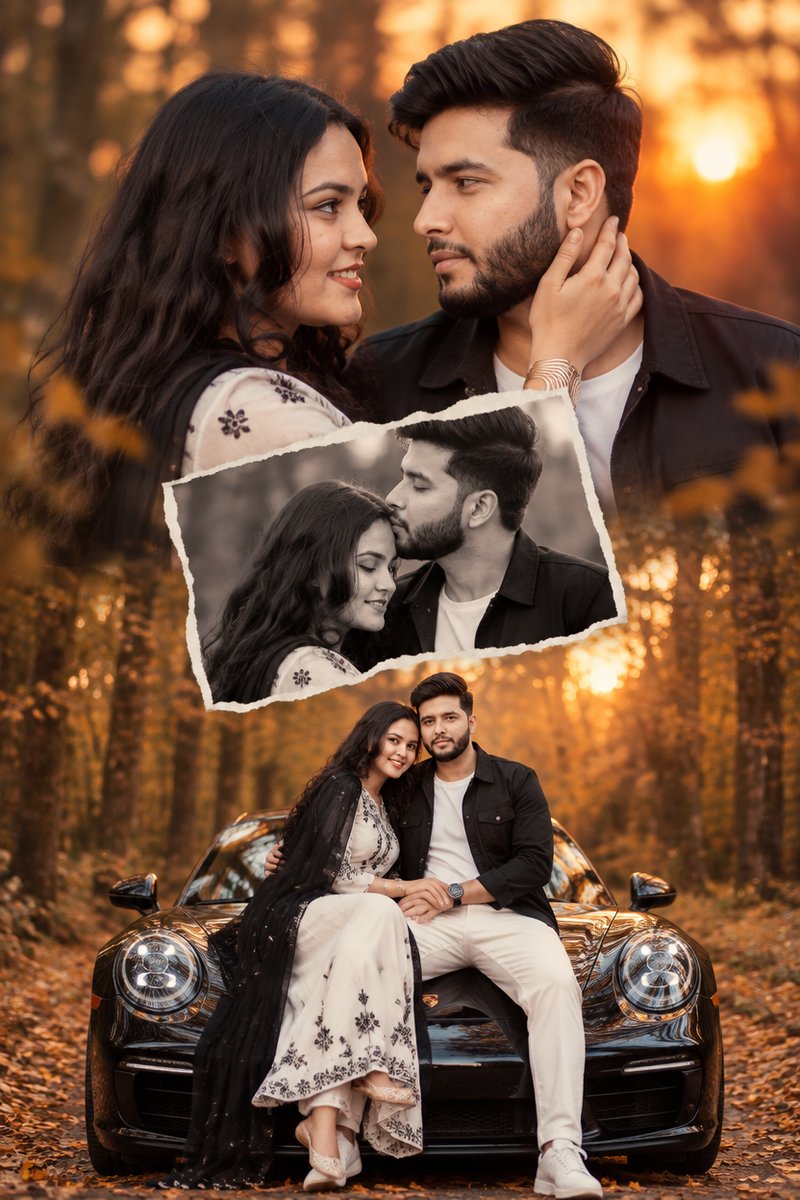
Romantic couple collage example: sunset close-up, black-and-white forehead-kiss photo, and full-body scene on a black sports car
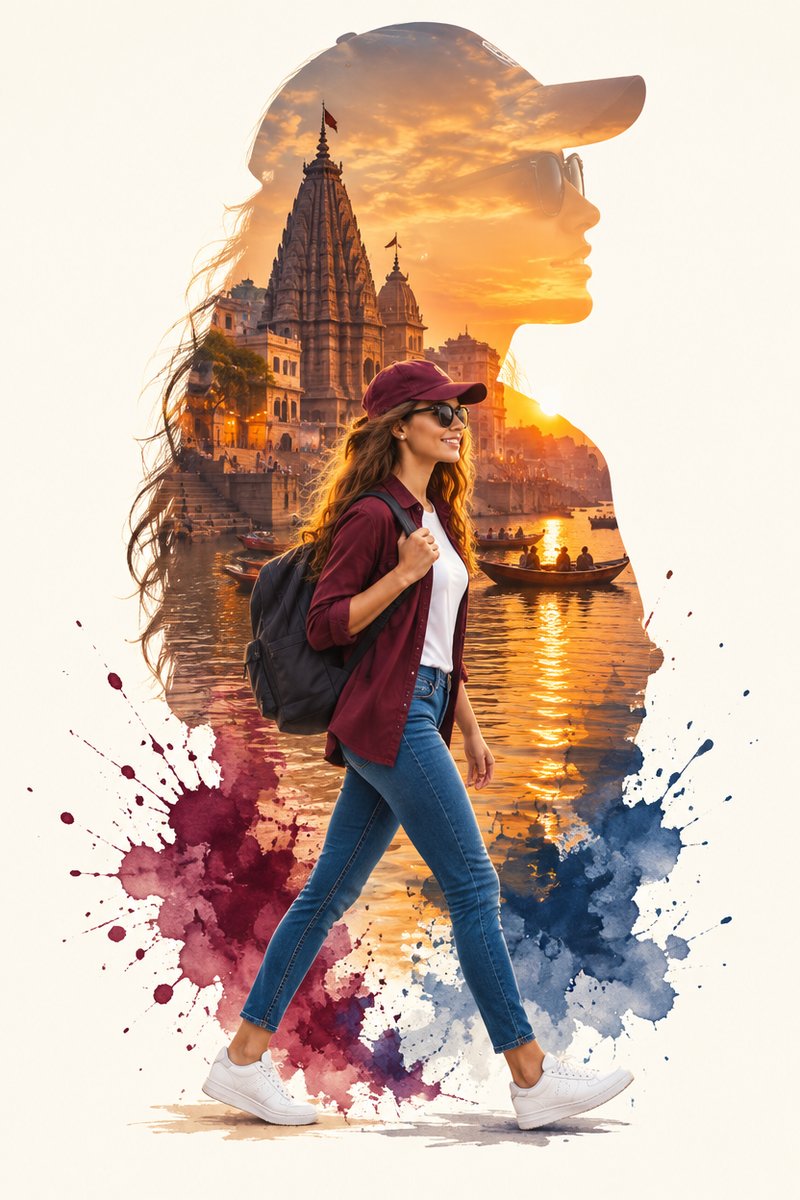
Travel silhouette poster example: full-body walking traveler in front of a cap-shaped silhouette filled with a golden-sunset riverside temple scene
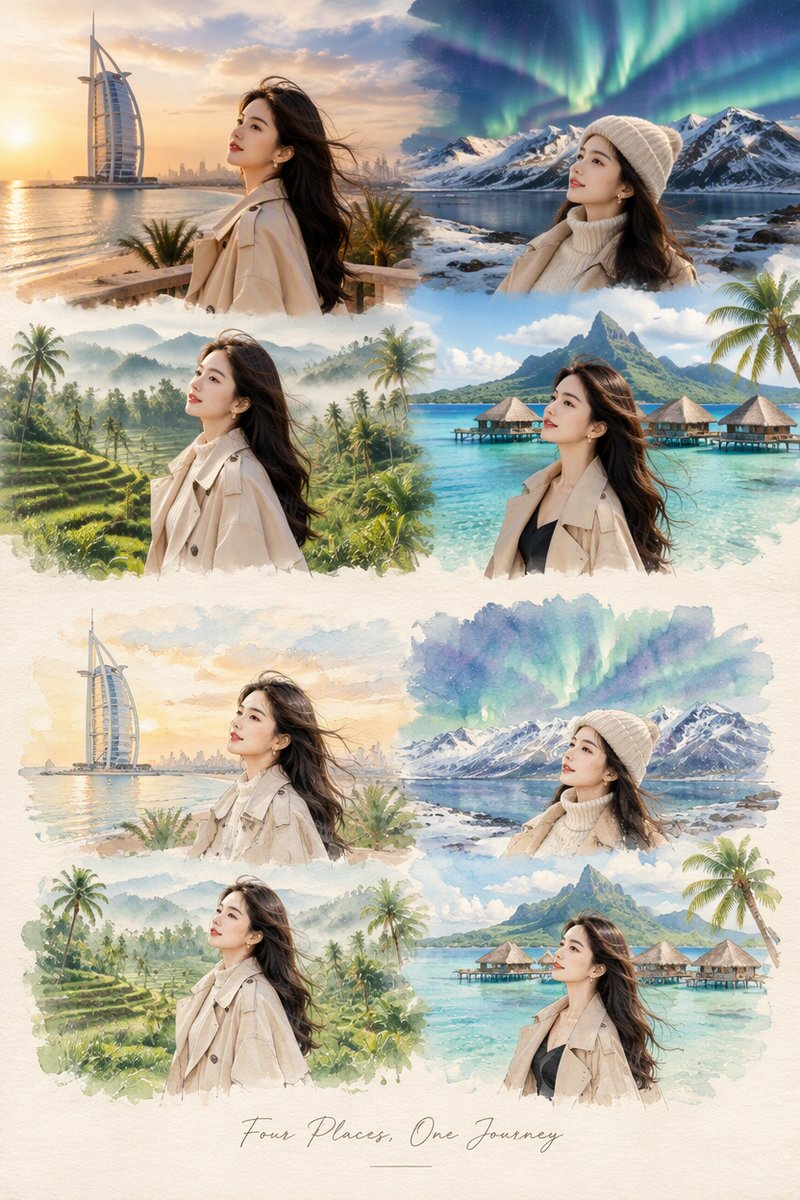
Four-destination travel journal example: Dubai, Iceland, Bali and tropical island scenes as photographs transitioning into watercolor illustrations
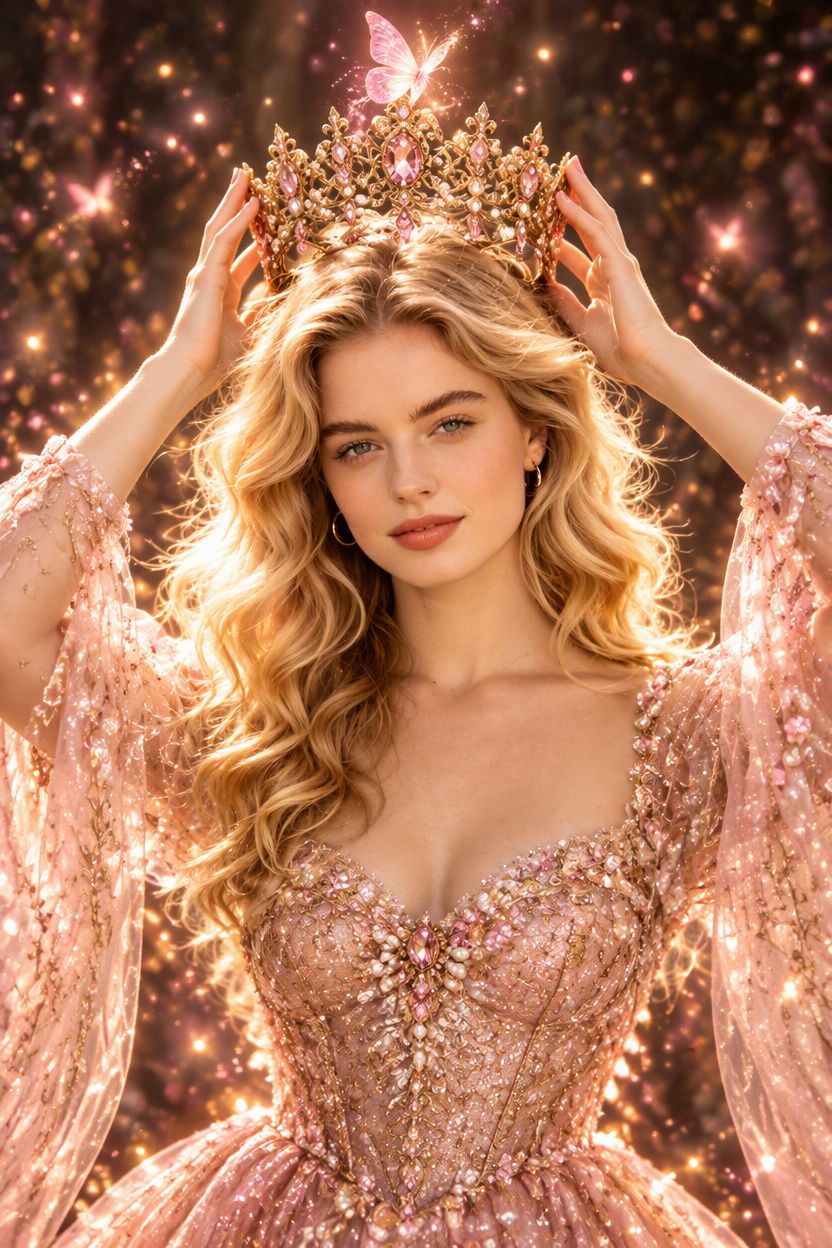
Fantasy princess portrait example: blush-pink gown, golden filigree crown held overhead, glowing butterfly and floating pink sparkles
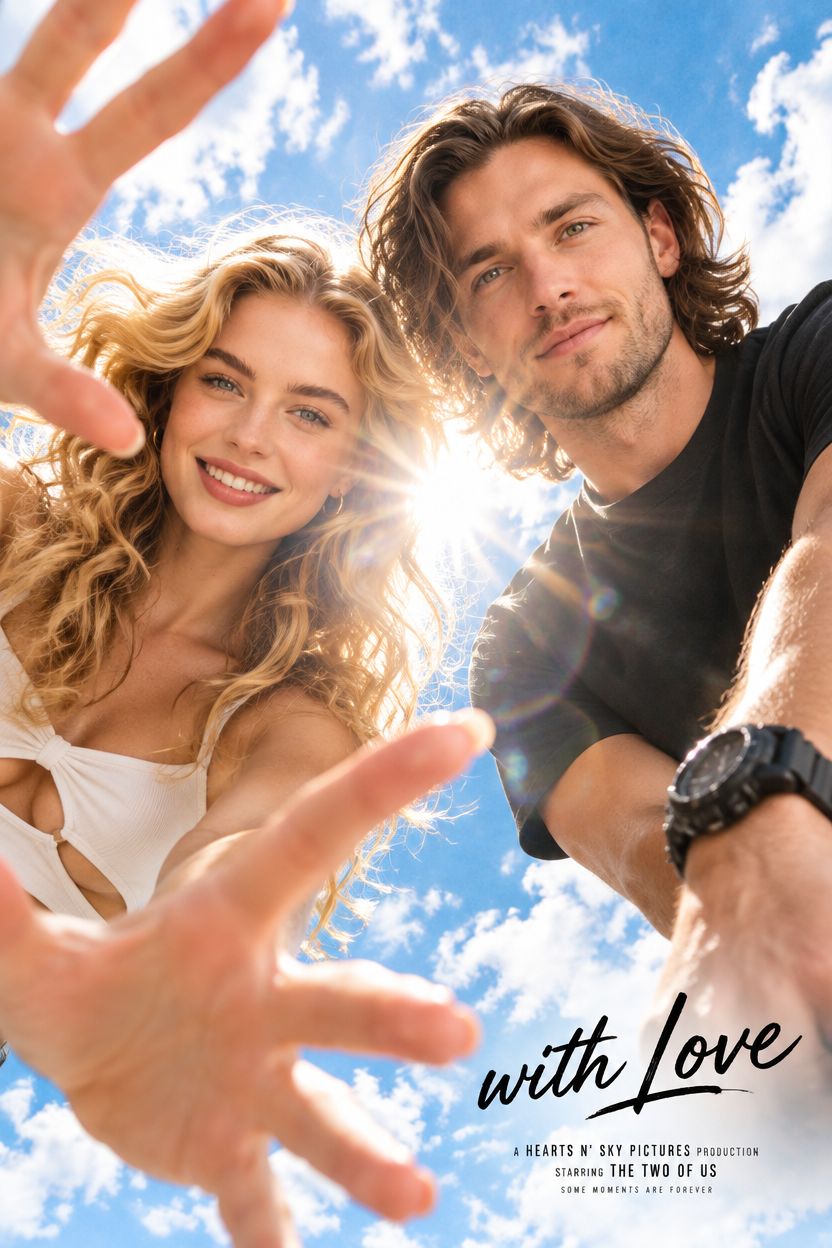
Worm's-eye movie poster couple example: extreme low-angle shot of a smiling couple with a sun lens flare between them and cursive 'with Love' text
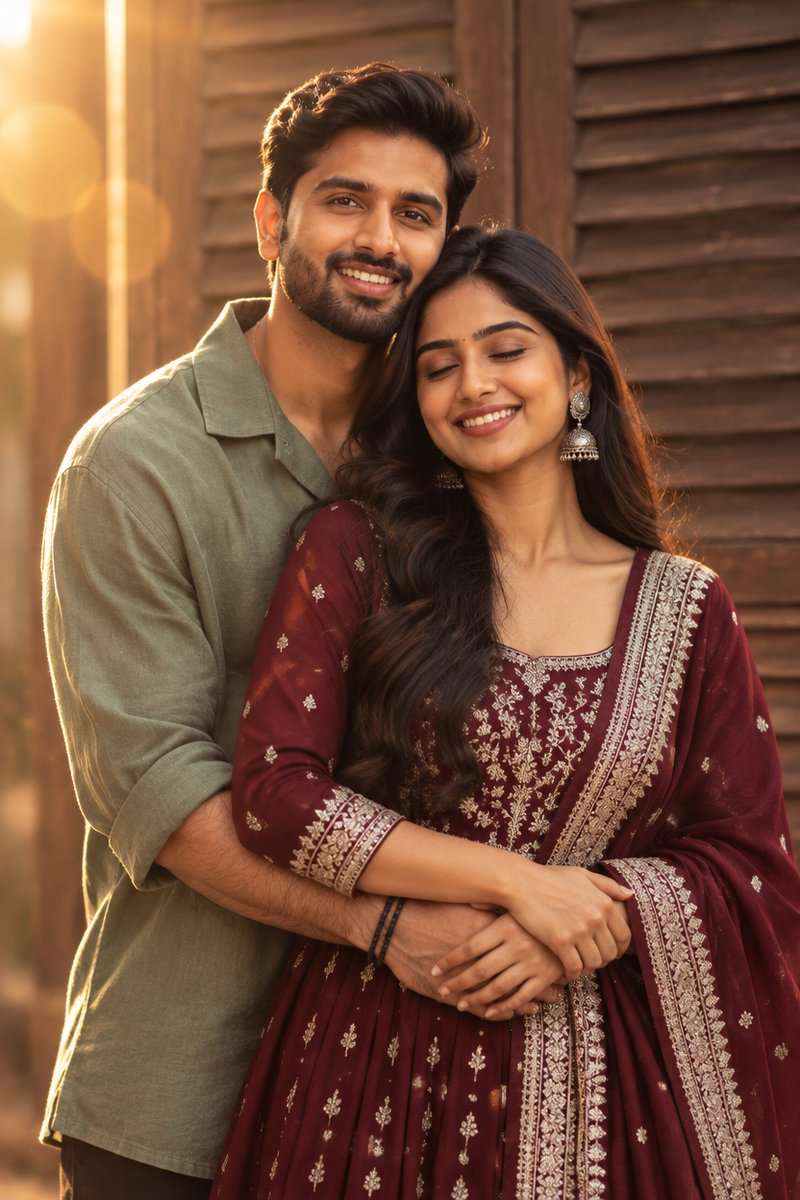
Golden-hour Anarkali embrace example: couple embracing in front of a rustic wooden shutter door, sage-green shirt and maroon embroidered Anarkali suit, warm lens flare
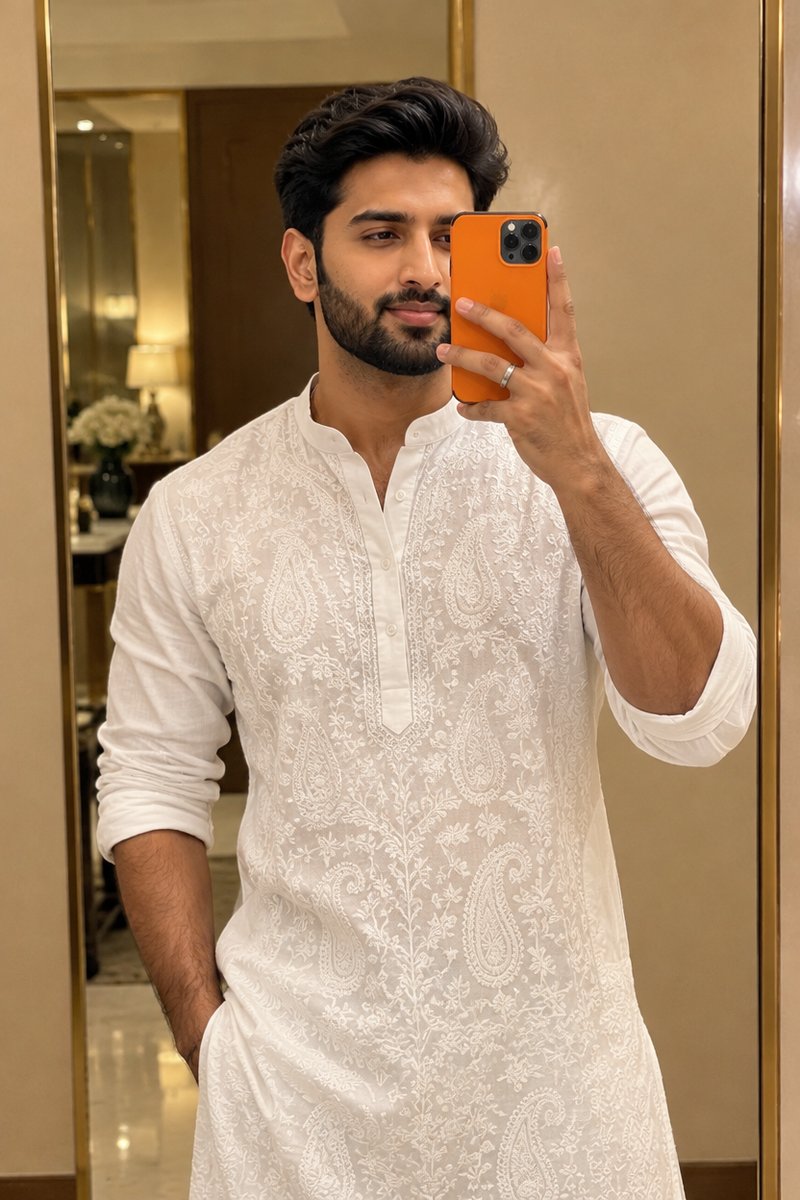
Luxury mirror selfie example: man in an embroidered white kurta holding an orange phone in front of a gold-framed mirror, warm golden lighting
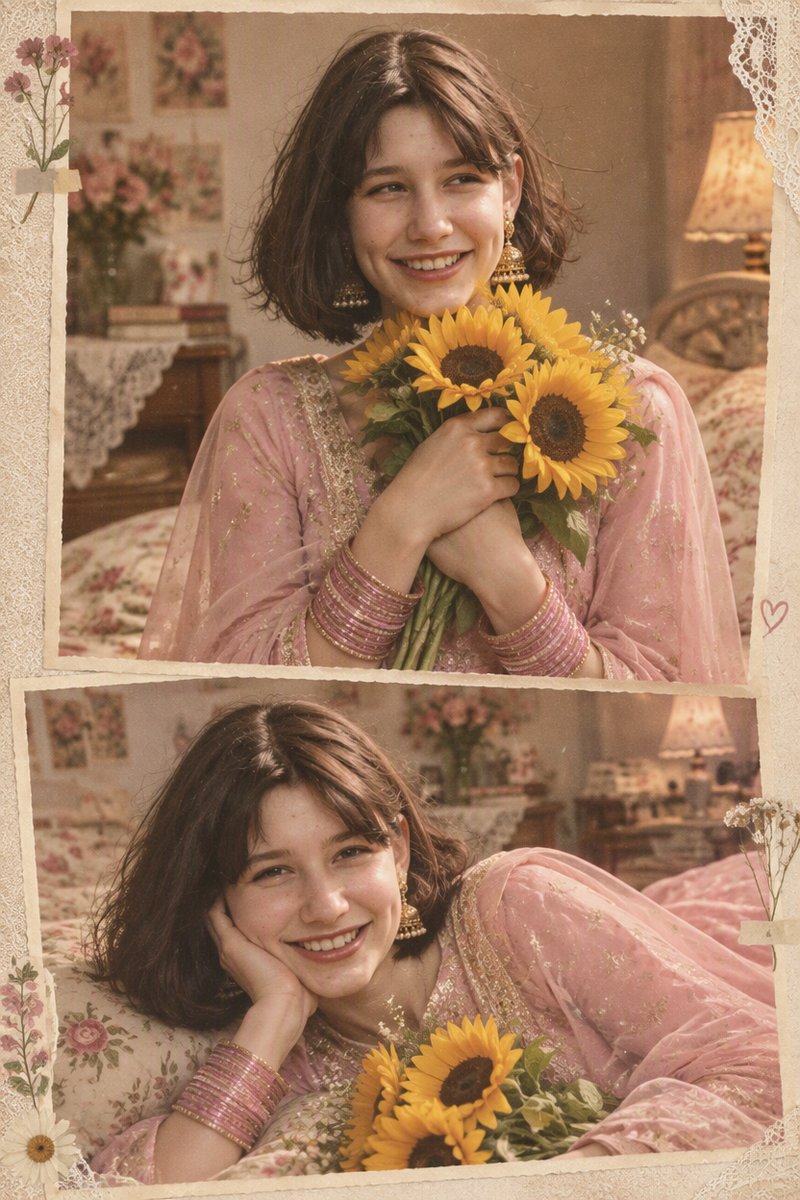
Soft vintage sunflower collage example: two-frame portrait in a pink embroidered salwar suit holding sunflowers, warm 90s flash-lit grain
Prompt Library · Copy, Paste, Generate

ChatGPT Prompts for Photo Editing

Copy-paste photo editing prompts that transform your photos — retro, cinematic, cartoon, and beyond.

Every photo editing prompt below is complete and ready to run as-is — written for image-editing models like ChatGPT's GPT Image, it preserves your face and identity while restyling everything else: outfit, setting, lighting, and camera treatment. Copy one into ChatGPT with your photo attached — or hit Create to run it in our GPT Image generator with the prompt already prefilled.

How to Use These Photo Editing Prompts

From copy to finished photo in four steps — no prompt-writing experience needed.

Step 1

Copy a prompt

Pick a style and hit Copy Prompt. Every AI photo editing prompt runs as-is; if you like, tweak the outfit, setting, or colors before sending.

Step 2

Add your photo

Hit Create to open the GPT Image editor with the prompt prefilled, then upload your photo. Or paste the prompt into ChatGPT with your photo attached.

Step 3

Generate and tweak

Choose an aspect ratio and quality tier, then generate in about a minute. Adjust the wording and rerun until the look is right.

Step 4

Download and share

Save the finished photo straight to your device. Generations aren't stored on your account, so download before closing the page.

Photo Editing Prompt FAQ

Common questions about using ChatGPT prompts for photo editing

It's a set of natural-language instructions you give an AI image model along with your photo. A good photo editing prompt tells the model what to keep — your face, pose, and identity — and what to change: style, outfit, setting, lighting, and camera treatment. The prompts on this page are ready to copy and customize.