
A LITTLE PROMPT. A WHOLE NEW WORLD.
Z Image TurboImagine it. Make it a Z Image.
Start with a few words. Give a familiar photo a new direction. Create expressive portraits, polished product shots, and visual stories with Z Image Turbo—then make the look your own with LoRA.
THE POSSIBILITIES
Explore what Z Image can create
Portraits, fashion, cinematic scenes, and visual ideas. Choose a prompt and make it your own.
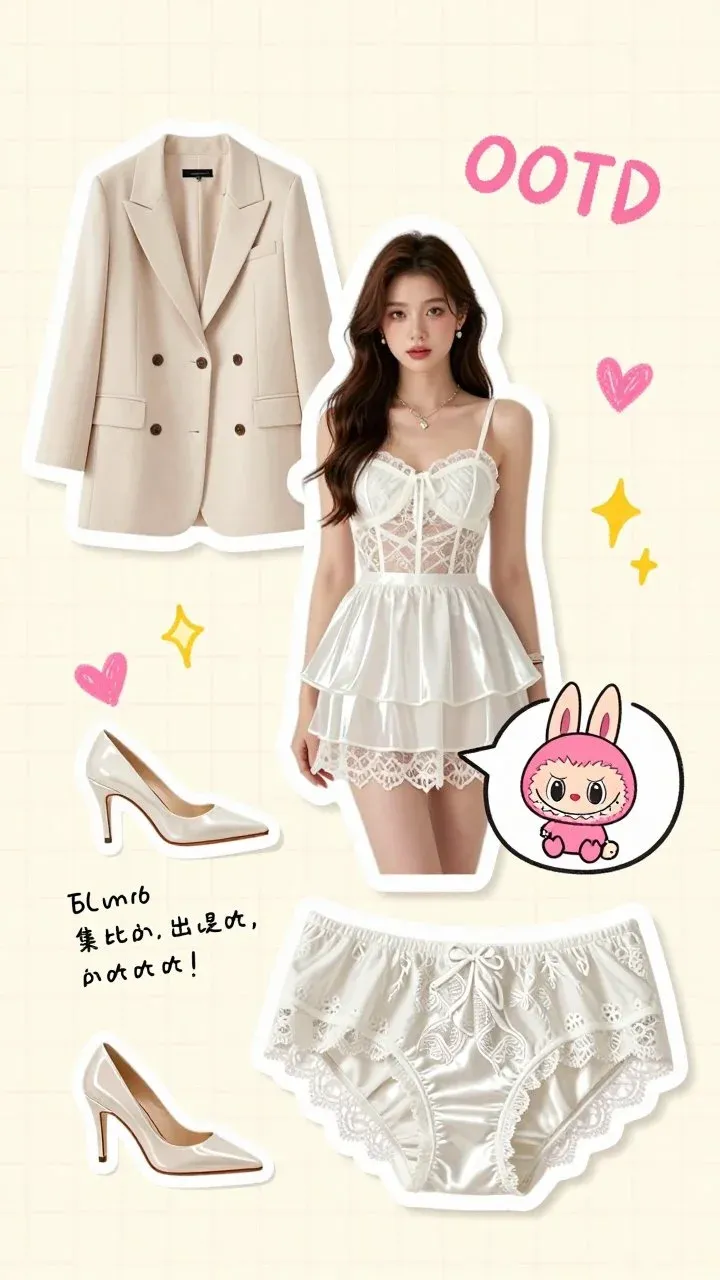
Fashion, thoughtfully composed
An editorial outfit moodboard: a white lace top, a beige tailored blazer, a layered skirt, pointed heels, soft pink graphic accents, clean cream background, balanced fashion collage, studio photography.
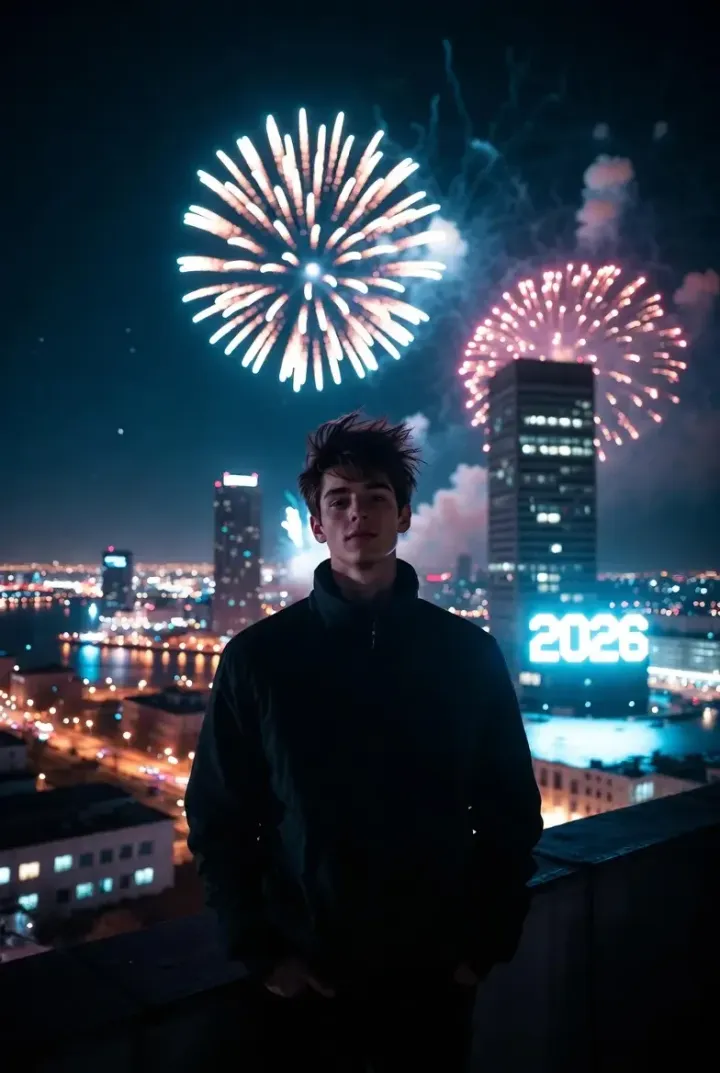
A cinematic new beginning
A young adult on a rooftop at night, dark jacket, brilliant golden fireworks above a city skyline, a glowing 2026 sign in the distance, cinematic portrait, realistic skin texture, atmospheric rim lighting.

Portraits with personality
Close-up portrait of an adult woman making a heart with her hands around her face, one eye winking, black hair with bangs, a natural smile, clean white background, soft editorial light, realistic photography.
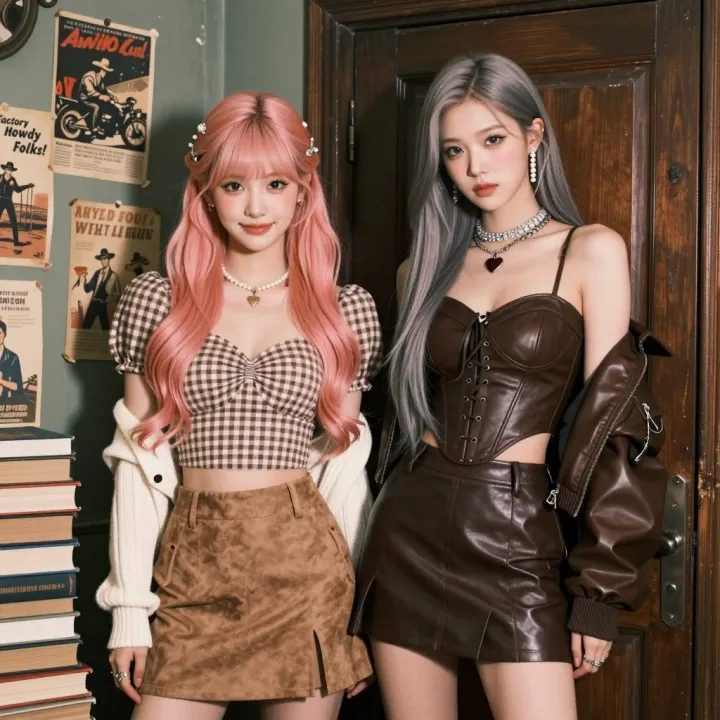
Your next editorial direction
Two adult fashion models posing together, pastel pink and silver hair, modern leather and gingham outfits, warm neutral studio backdrop, editorial magazine photography, crisp textures, natural expressions.
A new visual story
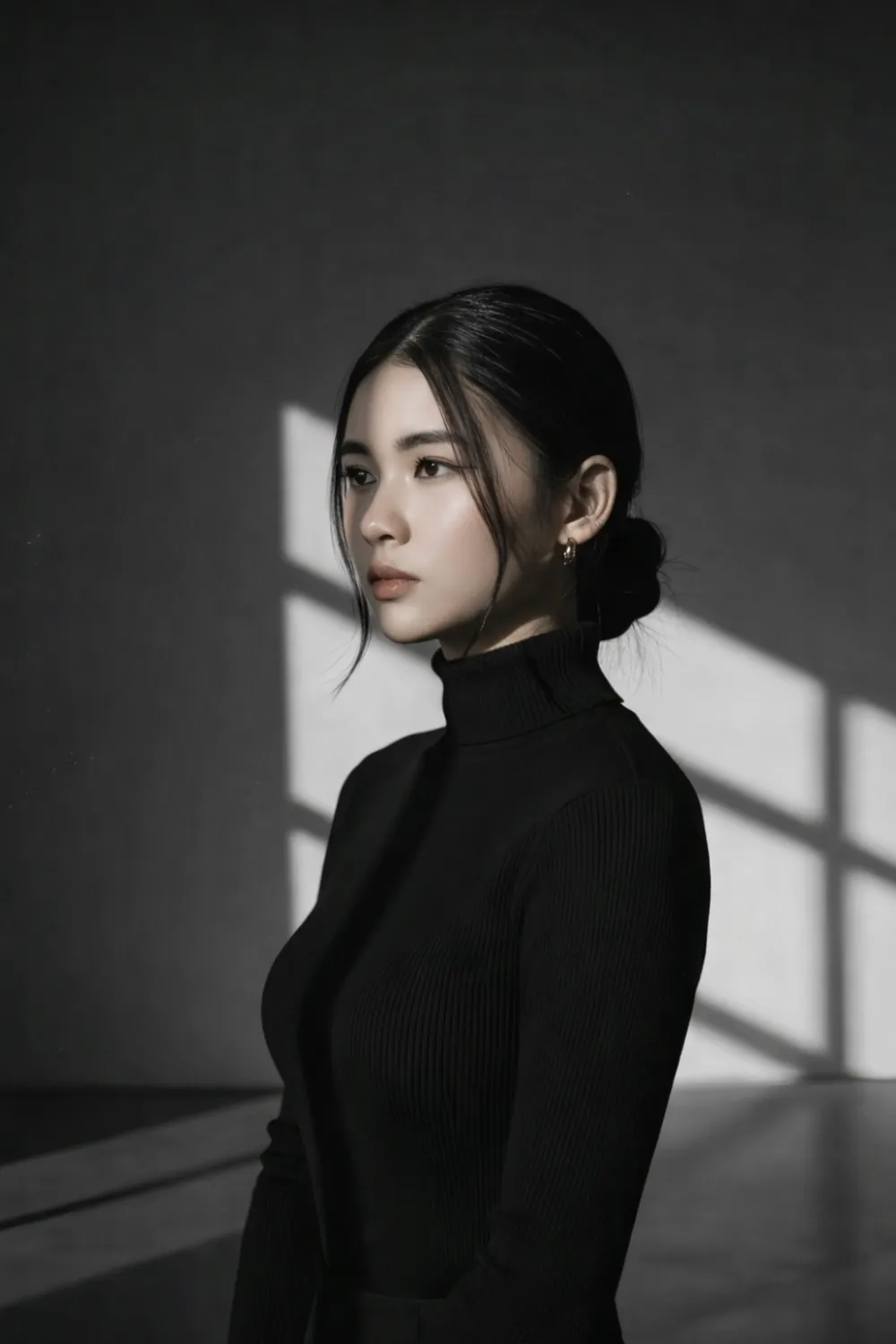
Create a polished editorial photograph with a confident adult subject, expressive natural lighting, thoughtful composition, rich tactile detail, a contemporary magazine aesthetic, realistic photography.
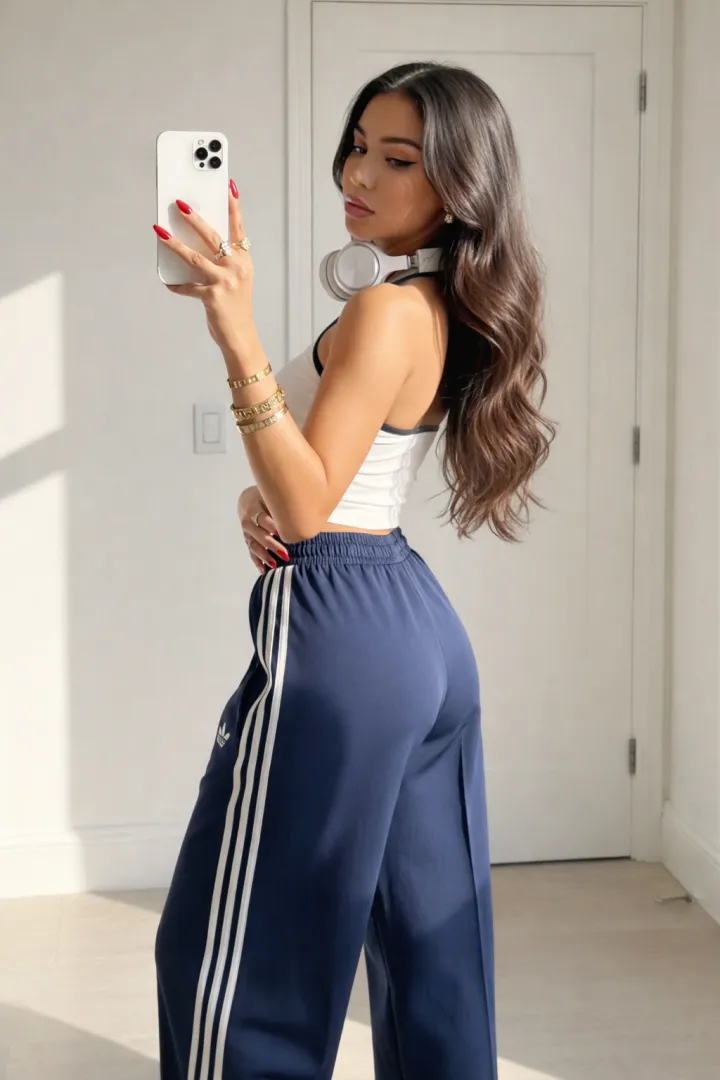
Make room for the unexpected
An imaginative editorial scene with an adult subject, cinematic contrast, an unexpected visual detail, rich natural colors, fine textures, art-directed composition, sophisticated photographic style.
Visual references imported from zimageturbo.com, not generated or tested on ImageLayered. Prompts are editable starting points; results will vary.
MADE FOR YOUR EVERYDAY IDEAS
One Z Image workspace. Many creative directions.
From your first visual idea to a cohesive set of assets, spend more time finding the right image and less time moving between tools.
For content creators
Find a composition for a thumbnail, article, or visual story. Try several Z Image Turbo prompts, compare directions, and keep the image that fits your content.
For social media
Build a recognizable series with a consistent visual direction. Z Image Turbo LoRA gives you an adjustable starting point for a recurring style, character, or aesthetic.
For products & commerce
Explore settings, surfaces, and material treatments. Image to image starts from a product photo; review product details and any rendered text before publishing.
For designers
Sketch an idea for a poster, moodboard, or character. With custom dimensions and transformation strength, Z Image turns an early thought into something you can discuss and refine.
MEET Z IMAGE
What is Z Image Turbo?
Z Image Turbo is a 6B image model in the Z-Image family from Tongyi-MAI, designed around a small number of sampling steps. This page brings text to image, image to image, and their LoRA variants into one online workspace. There is no local installation or GPU setup: describe the image, choose your settings, and review the credit total. Actual waiting time includes any free queue, processing, and image delivery; it is not a guaranteed number of seconds.
From words to a picture
Describe a subject, setting, lighting, and style in natural language. Z Image supports English and Chinese prompts. Quote any text you want in the picture, then check the spelling in the result.
From a photo to a new direction
Upload one reference for Z Image Turbo image to image. Lower transformation strength keeps more of the input; higher strength is a better starting point for exploring a substantially different treatment.
Your Z Image Turbo LoRA
Combine up to 3 compatible adapters with separate weights. Choose a model with checked metadata, or paste your own public weights URL to explore a more recognizable visual signature.
FROM THOUGHT TO IMAGE
How to use Z Image Turbo
Describe your idea
Name the subject, surroundings, framing, and lighting. For image to image, add one JPG, PNG, or WebP reference up to 10 MiB.
Choose a model & a style
The four Z Image models cover two modes, each with a standard and a LoRA version. Adding an adapter selects the matching LoRA model while keeping your prompt.
Set the canvas & check the cost
Choose a familiar ratio or enter dimensions from 256 to 1536 pixels per side. Standard outputs cost 2 credits and LoRA outputs cost 4, even with three adapters.
Download & keep exploring
Download the final JPG, PNG, or WebP and iterate on your idea. Completed files stay in Recent generations for 30 days; failed tasks return their original credit charge.
Z IMAGE TURBO LORA
Make the style a choice. With Z Image Turbo LoRA.
A LoRA is a lightweight set of weights that adapts a base model. It can influence style, materials, and visual characteristics; it does not guarantee an identical identity in every image. Use weights trained for Z-Image-Turbo, start around a weight of 1.0, and compare results as you add adapters one at a time. Some adapters also need the trigger words listed on their model card. Standard models reject LoRA parameters; this workspace switches to the corresponding LoRA version when you add a style.
Explore LoRA styles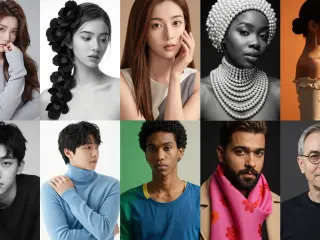 AWPortrait-Z
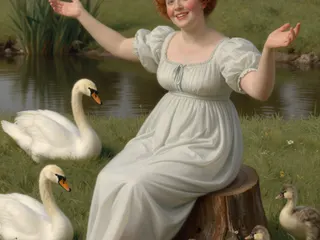 Classic Painting
 Pixel Art
 Realism
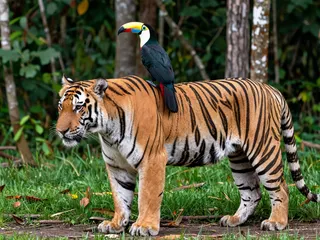 DeJPEG
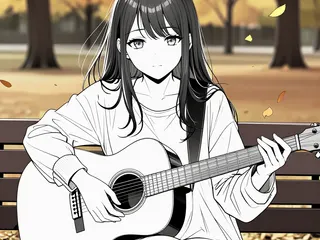 Lineart Anime
BUILT TO KEEP YOU CREATING
A lighter workflow. More room to explore.
A 6B foundation
Z Image Turbo uses a 6B image model. Hosted inference makes it available in your browser without a local runtime or dedicated GPU.
A low-step design
The model is optimized for a small number of sampling steps. This page exposes the controls the endpoints support, without inactive step-count, negative-prompt, or guidance controls.
A clear credit total
Use the same balance as the rest of ImageLayered: 2 credits for a standard image or 4 for a LoRA image. The full total appears before generation, with no extra fee per adapter.
A FEW THINGS TO KNOW
Z Image Turbo FAQ
What is the difference between Z Image, Z Image Turbo, and Z Image Turbo LoRA?
Z Image names the model family. Z Image Turbo is its low-step generation variant. Z Image Turbo LoRA adds support for style adapters. This page offers standard and LoRA versions of both text to image and image to image.
Should I use text to image or image to image?
Use text to image to describe an image from scratch. Use image to image when a reference supplies composition, colors, or other visual cues. That mode requires one source image and adds a transformation-strength control.
How much does Z Image Turbo cost here?
Standard text-to-image and image-to-image outputs cost 2 credits each. Both Z Image Turbo LoRA modes cost 4 credits per output. Each request produces one image; adapter count, supported dimensions, and output format do not add a separate charge.
Can I add my own Z Image Turbo LoRA?
Yes. Supply an owner/model ID or a public HTTPS weights URL. Add up to three adapters, with weights from 0 to 4. Use adapters trained for Z-Image-Turbo; private, expired, or incompatible weights may not work.
How is a LoRA weight different from transformation strength?
LoRA weight sets the influence of one adapter on a 0–4 scale. Transformation strength sets how far an image-to-image output can depart from the source on a 0–1 scale. Compare changes one control at a time to understand their effect.
Can Z Image Turbo render English and Chinese text?
The model supports English and Chinese prompts and on-image text. Put desired wording in quotes, keep it short, and describe its position. Spelling and layout can still be imperfect; review the output and typeset critical text separately when needed.
Why is my free generation queued?
Free generations wait in a queue. The page shows a countdown and submits automatically when it ends. Any credit purchase skips the current and future free queues. Processing and delivery time also affect when an image arrives.
What happens if generation fails or the preview does not load?
A failed or overdue task refunds the original credit charge. A preview-loading problem does not start or charge for another generation; reload the preview instead. Final images are kept in Recent generations for 30 days and cannot be recovered after expiry or deletion.
YOUR IDEA IS THE STARTING POINT
Your next Z Image starts with an idea.
Write a prompt. Pick a style. See where it takes you.
Start creating