Hotel Lobby AI Video Generator
Step into the performance. Bring your own look.
About this tool
Hotel Lobby AI Video Generator turns two photos into a personalized duo performance. Replace both people and their outfits while keeping the orange studio, choreography, and original audio.
Choose your two performers
Add one clear photo for each side. JPEG, PNG or WebP, up to 20 MB per photo.
Left performer
Right performer
Use half-body or full-body photos with visible clothing. Each photo guides that person’s face, hair, and outfit.
62 credits for the complete video. If generation fails, your credits are refunded.
Reference performance
Your photos replace the two performers and their clothes in this clip.
See Hotel Lobby AI Video Generator in action
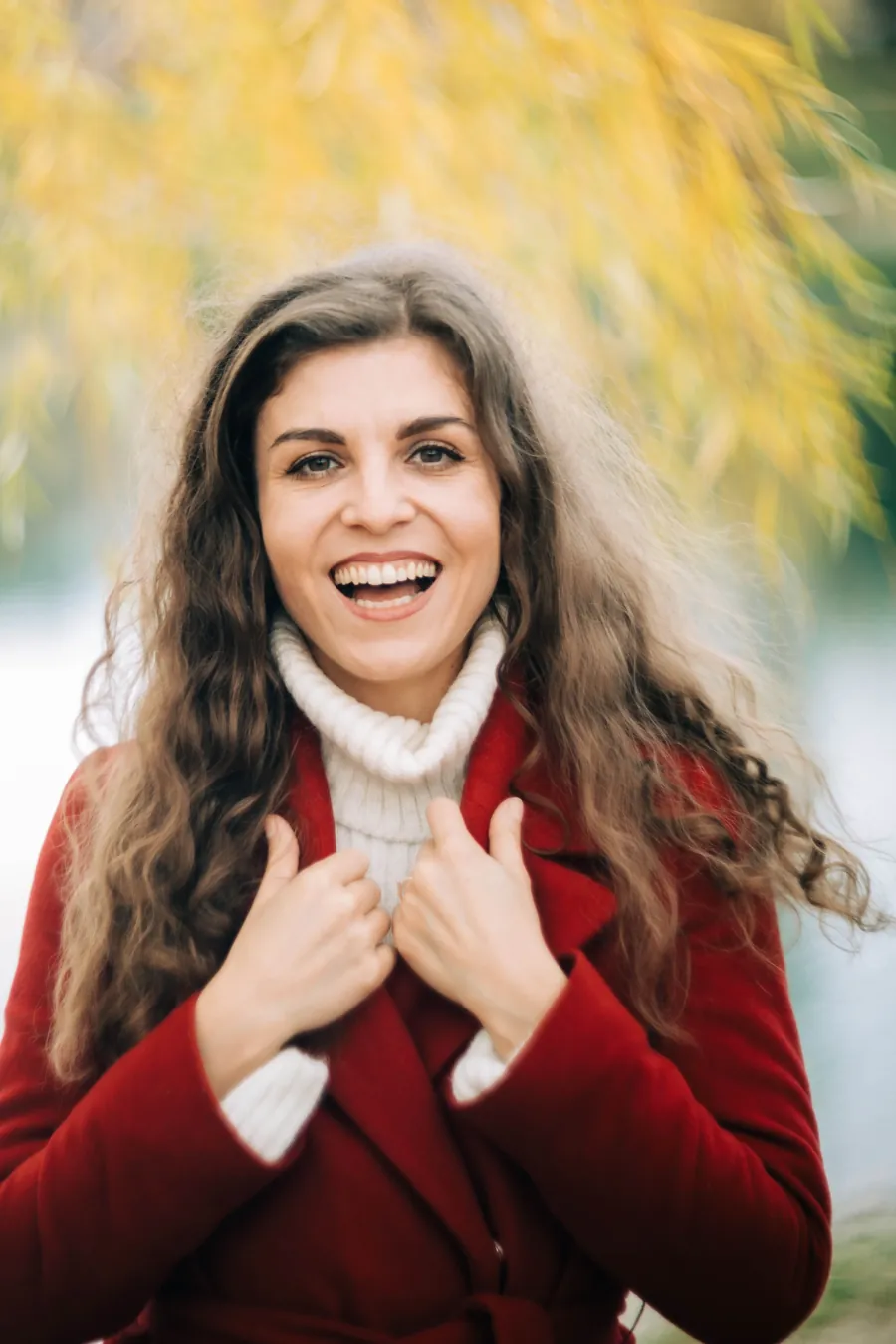
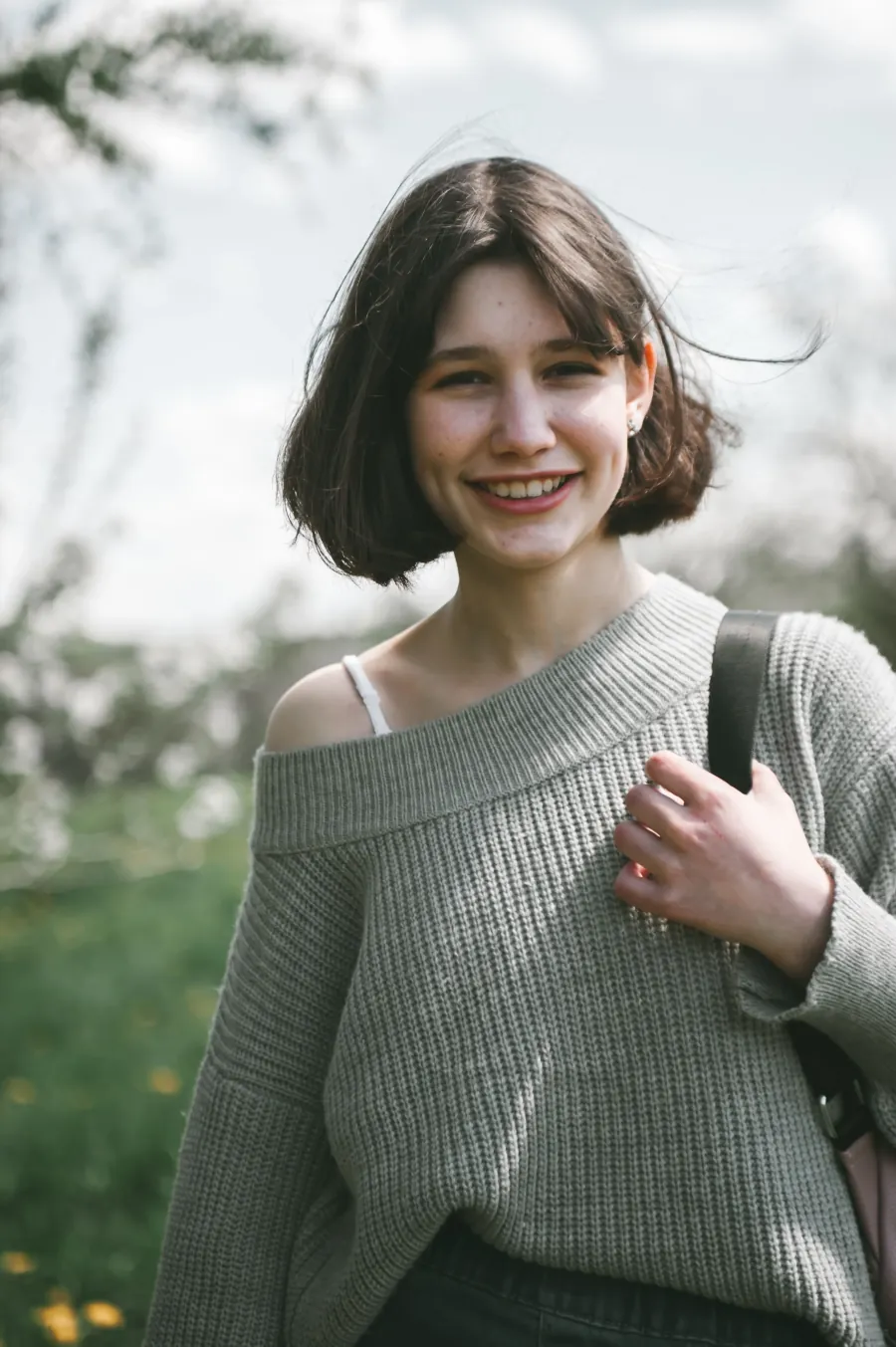
Compare real generated performances with their input photos. Hotel Lobby AI Video Generator uses each photo to guide the corresponding performer’s identity and outfit.
Example 1
Example 2
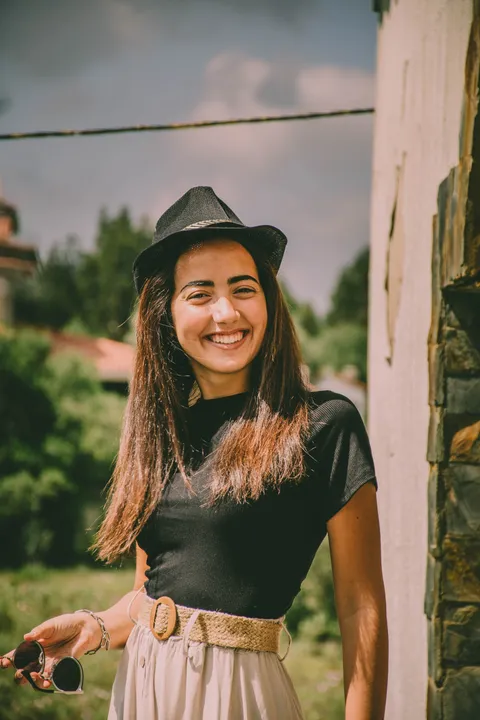
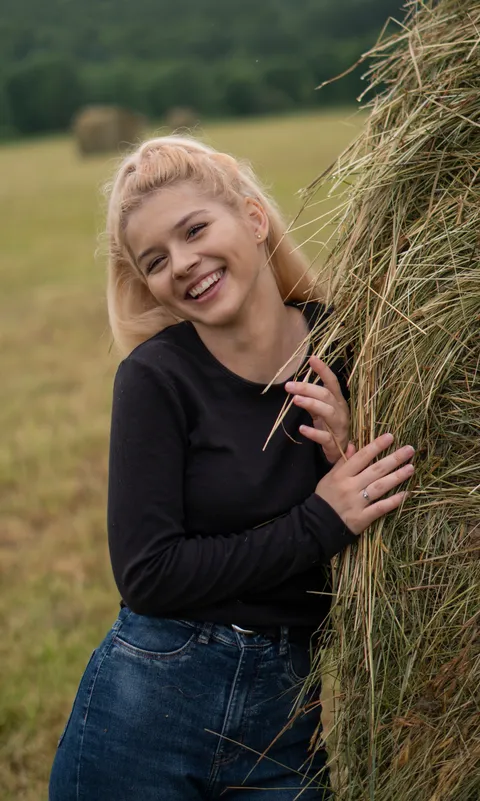
Each video was generated using the two photos shown above it. Your results will vary with your photos.
How to use Hotel Lobby AI Video Generator
Three steps from your photos to a downloadable performance.
1. Upload two photos
Give Hotel Lobby AI Video Generator one photo for the left performer and one for the right. Choose images with clear faces and visible outfits.
2. Generate your performance
Hotel Lobby AI Video Generator first prepares your two performers in the scene, then carries their identities and clothing into the moving video.
3. Preview and download
When Hotel Lobby AI Video Generator finishes, play the result and download the MP4. Review both performers throughout the clip before sharing.
Your people. Your outfits. The same performance.
Hotel Lobby AI Video Generator combines a fixed performance template with two independent identity and wardrobe references.
Two distinct performers
Hotel Lobby AI Video Generator assigns each upload to a specific side so you can create a duo with a friend, partner, or collaborator.
Clothing replacement
Hotel Lobby AI Video Generator uses the outfits visible in your photos to guide each performer’s clothing, colors, and accessories—not just their face.
Original choreography
Hotel Lobby AI Video Generator uses the reference clip’s gestures and performance timing as the movement foundation for your result.
Original audio
Hotel Lobby AI Video Generator preserves the input clip’s audio instead of generating a new soundtrack, keeping the familiar performance rhythm.
Ready-to-play MP4
Hotel Lobby AI Video Generator produces a 10-second landscape video at 480p that you can preview in your browser and download.
One clear price
Hotel Lobby AI Video Generator costs 62 credits for the complete process. A failed generation receives a full credit refund.
Choose photos that show the whole look
The photos you give Hotel Lobby AI Video Generator influence both facial identity and wardrobe. A little preparation helps the result.
Keep the face clear
For Hotel Lobby AI Video Generator, choose a well-lit photo with one visible person. Avoid heavy blur, dark shadows, or a face hidden by a hand.
Show the clothing
Give Hotel Lobby AI Video Generator a half-body or full-body photo where the outfit is visible. A tight headshot provides little information about clothing.
Check the side assignments
Before starting Hotel Lobby AI Video Generator, compare your uploads with the reference clip. Use the swap button if the performers should trade sides.
Make the duo your own
Hotel Lobby AI Video Generator is built for personalized takes on this two-person performance.
Friends and collaborators
Use Hotel Lobby AI Video Generator with one photo of you and one of a friend to put your two looks into the same performance.
Couples
Try Hotel Lobby AI Video Generator with photos of you and your partner. Choose outfits you would like to see together in the orange studio.
Creator experiments
Use Hotel Lobby AI Video Generator to explore how different identities and outfits read in a shared performance. Compare your results before posting.
A personal keepsake
Create a short duo clip with Hotel Lobby AI Video Generator, download it, and keep your own copy rather than relying on the result link.
Hotel Lobby AI Video Generator: questions answered
Photos, clothing, credits, and recovering a generation.
What does this tool create?
Hotel Lobby AI Video Generator creates a personalized version of the reference duo performance from two photos, replacing both people and their visible outfits.
Do I need two photos?
Yes. Hotel Lobby AI Video Generator needs one photo for each performer. The left upload maps to the left performer and the right upload maps to the right performer.
Does it replace clothes as well as faces?
Yes. Hotel Lobby AI Video Generator uses the clothing and accessories visible in each upload as wardrobe references. Show the outfit clearly in a half-body or full-body photo.
How much does a video cost?
Hotel Lobby AI Video Generator costs 62 credits per complete video. The button shows the price before you start, and your balance must cover it.
What if generation fails?
If Hotel Lobby AI Video Generator cannot deliver the final video, the full amount charged for that task is refunded. A reference image alone is not a completed video.
Can I close the page?
After Hotel Lobby AI Video Generator has submitted your task, generation continues in the background. Sign in and return to this page to check your latest task. Keep the page open during upload and queueing.
Are the movements and audio preserved?
Hotel Lobby AI Video Generator uses the reference movements and preserves the original audio. AI rendering can introduce visual differences, so review the finished clip.
Will the two people look exactly like my photos?
Hotel Lobby AI Video Generator uses your photos to guide identity and clothing, but similarity can vary with photo quality, pose, and motion. Faces, hands, and clothing details can contain artifacts.
Why should I download the result?
Hotel Lobby AI Video Generator provides a download when your task completes. Generated file links may expire, so save the MP4 while it is available.