Qwen Image Layered
Revolutionary AI Image Layer Decomposition
About this tool
Automatically decompose any image into multiple editable RGBA layers. No Photoshop skills required - AI does the work for you.
Faster and cheaper. You pick the layer count — best for a first split.
Named layers with positions. Pick the count first — optionally describe what to isolate.
See How Image Layered Works
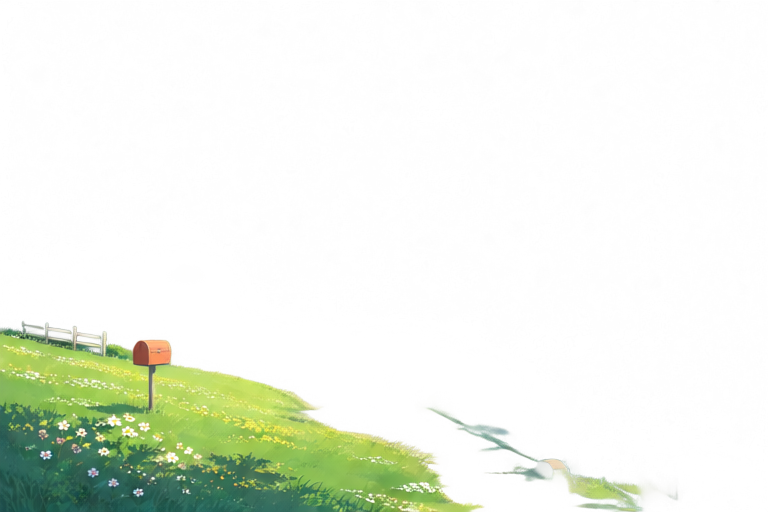
One photo in. Named, editable layers out — Quick splits in one click, while Precision lets you pick the layer count and optionally describe exactly what to extract.
Original

3 layers
Final layers
 01
01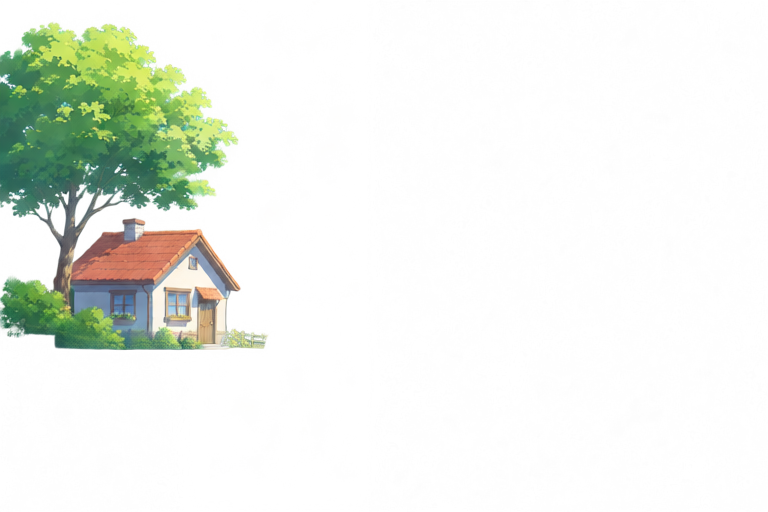 02
02 03
03Key Features
Discover how ImageLayered transforms your image editing workflow with AI-powered automation
Automatic Layer Decomposition
AI automatically separates your image into multiple editable layers with transparency. No manual selection or masking needed.
Smart Background Reconstruction
Intelligently fills in hidden areas behind objects, creating complete layers ready for editing. Perfect for object removal and replacement.
Flexible Layer Control
Supports 3-8+ layers based on image complexity. Decompose layers recursively for infinite refinement and precision.
Easy Editing Operations
Resize, recolor, move, or replace objects independently without affecting other layers. High-fidelity editing made simple.
Why Choose Qwen Image Layered?
See how Qwen Image Layered compares to traditional image editing tools
| Feature | Qwen Image Layered | Photoshop | remove.bg |
|---|---|---|---|
| Time Required | 2-5 minutes | 30-60 minutes | 1-2 minutes |
| Cost | 1 credit per layer | $54.99/month | Free tier limited |
| Skill Level | Beginner-friendly | Professional required | Easy |
| Layer Output | Multiple RGBA layers | Manual work needed | Background only |
| Background Reconstruction | Automatic | Manual painting | Not available |
Open Source Advantage
The Qwen Image Layered model is free and open source (Apache 2.0 license) - self-host it with no limits, or run it here in Quick mode at 1 credit per layer, no setup required.
Frequently Asked Questions
Common questions and detailed answers to help you get the most out of Qwen Image Layered
Resources & Documentation
Access guides, demos, and source code
What Users Say
See what real users are saying about ImageLayered
"This saved me thousands on product photography! I can now create 10+ product variations from a single photo. Game changer for my business."
"Finally, a free alternative to Photoshop that actually works. The automatic layer separation is incredible - what used to take me an hour now takes 2 minutes."
"Perfect for creating social media content variations. I can swap backgrounds, recolor elements, and create multiple versions for A/B testing in minutes."