AI Rumpelstiltskin Dance Generator
A little dance. A very familiar face.
About this tool
AI Rumpelstiltskin puts your photos into the playful dance. Cast yourself as the little man, invite a friend as the princess, and choose the outfit, setting and final move for your own AI Rumpelstiltskin video.
Customize your AI Rumpelstiltskin dance
One main character, one optional companion. JPG, PNG or WebP · up to 10 MB each.
The little manRequired
The princessOptional
Use one clear face per photo, at least 300 × 300 px. Photo width-to-height ratio: 0.4–2.5. Use your photos or photos you have permission to use.
212 credits for this AI Rumpelstiltskin video, including character preparation. Failed generations return your credits.
Watch the AI Rumpelstiltskin reference
This is the source dance. Your result uses your cast and creative direction. Play with sound to hear the original audio.
- 01Choose the faces for your AI Rumpelstiltskin cast.
- 02Set the outfit, scene and finishing move.
- 03Choose the resolution and length, then create your dance.
A real AI Rumpelstiltskin example
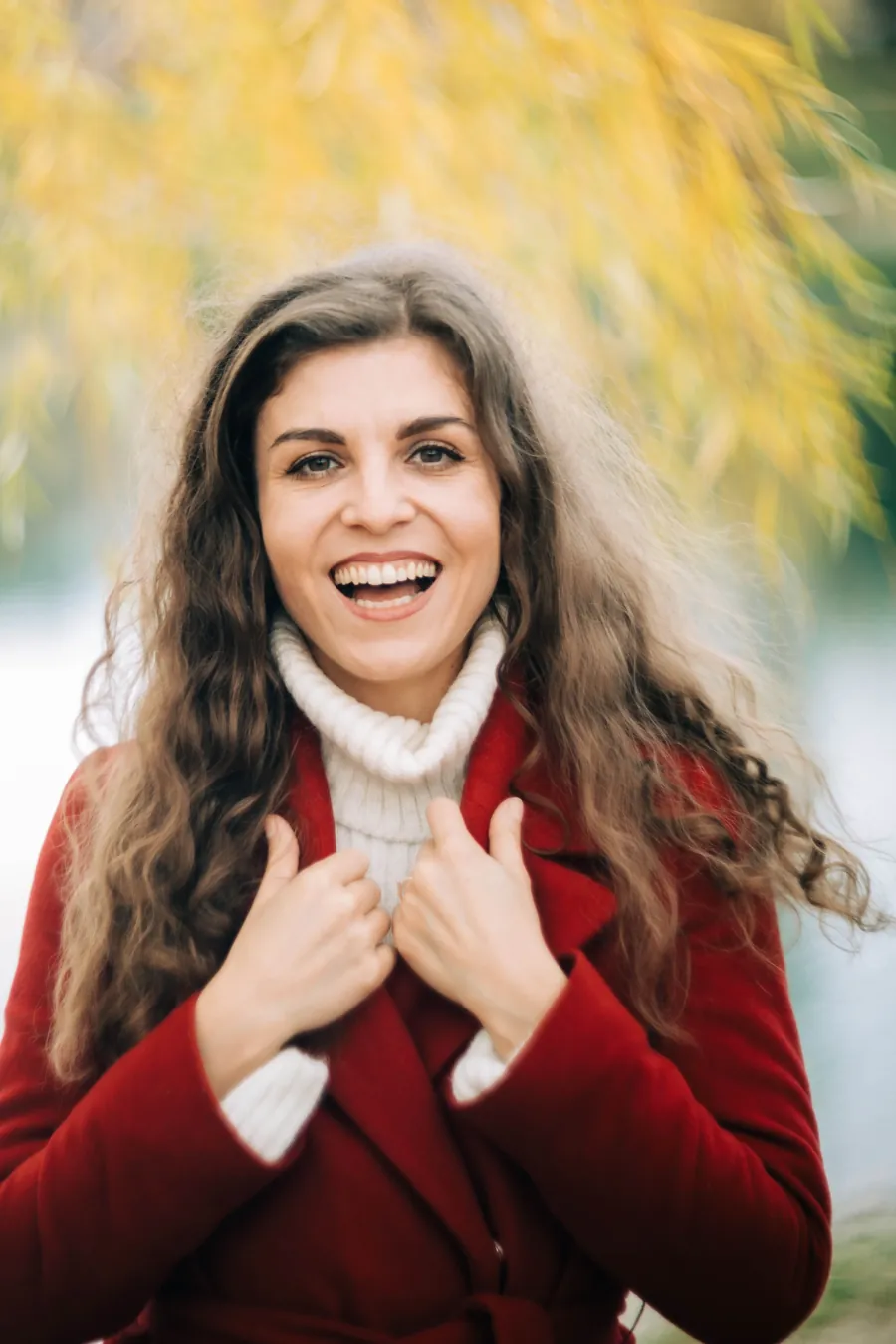
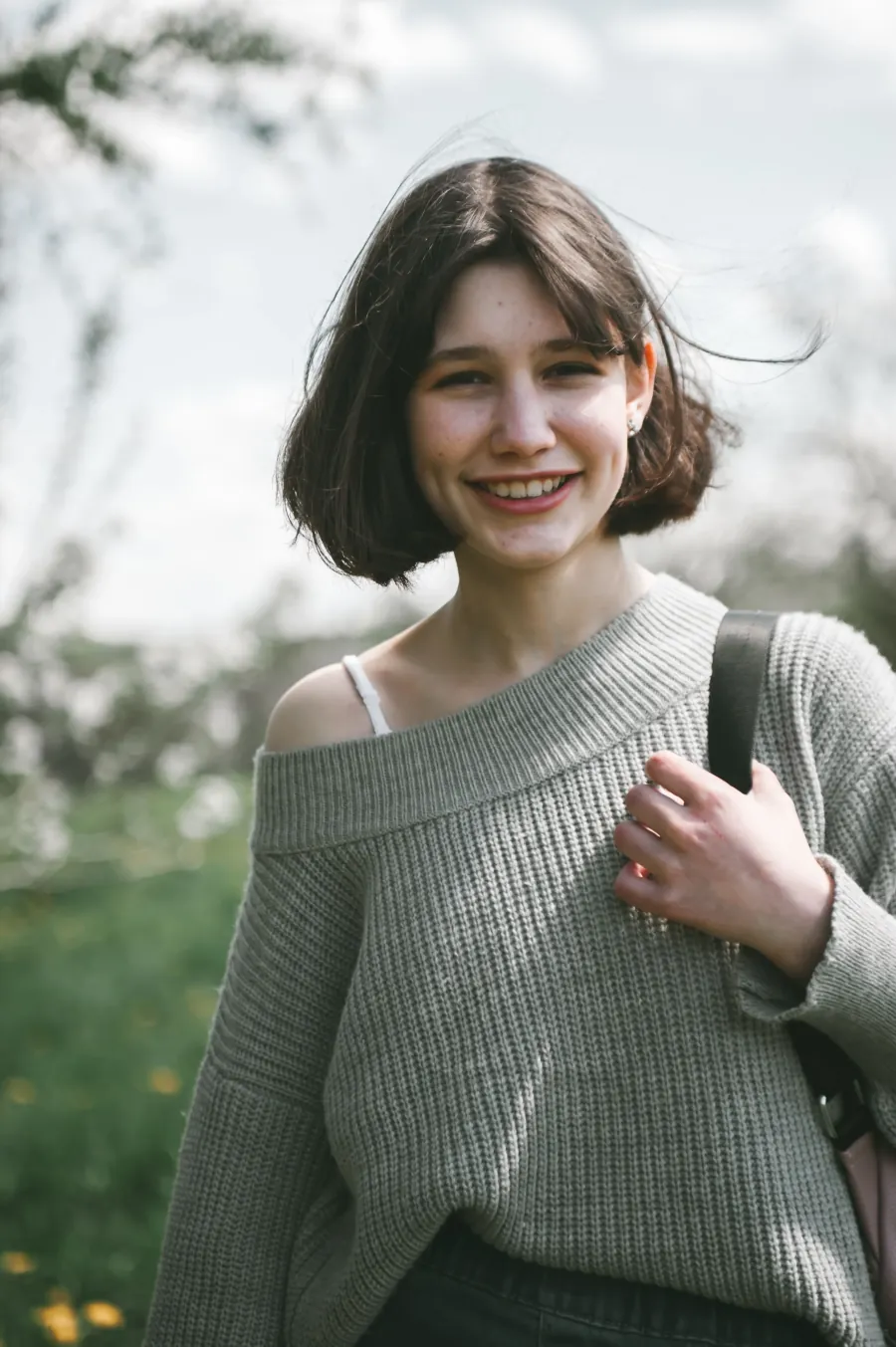
These two photos became this AI Rumpelstiltskin dance. Watch with sound to hear the preserved reference audio.
What is AI Rumpelstiltskin?
AI Rumpelstiltskin is a photo-to-video dance tool built around a short, playful performance. Your photos guide the characters, while a scene description guides their outfits, surroundings and ending. AI Rumpelstiltskin keeps the reference dance as the movement foundation, with the original audio included.
Make your AI Rumpelstiltskin dance
Three steps from a familiar face to a little mischief.
1. Cast your AI Rumpelstiltskin
Upload one photo for the little man. Add a second photo if you want AI Rumpelstiltskin to replace the princess role as well.
2. Direct your AI Rumpelstiltskin
Choose an outfit, a setting and a finishing move. Select the resolution and length; AI Rumpelstiltskin shows the total credits before you start.
3. Play your AI Rumpelstiltskin
Watch the finished dance with sound, then download the MP4. Review your AI Rumpelstiltskin faces and scene before sharing.
Your AI Rumpelstiltskin, your way
Small choices change the whole performance.
One or two characters
AI Rumpelstiltskin needs only your main character photo. With a second photo, AI Rumpelstiltskin also personalizes the reacting companion.
Outfits and locations
Give AI Rumpelstiltskin a velvet tuxedo, sequins or a new setting. Leave the description empty to keep the barn and use clothing from your photos.
A finishing move
Ask AI Rumpelstiltskin for a shush, spin or another playful ending. The model interprets your direction; exact gestures can vary.
720p, 1080p or 4K
Choose your AI Rumpelstiltskin resolution and a length from 4 to 9 seconds. More detail costs more credits, shown before generation.
The original audio
AI Rumpelstiltskin carries the reference audio into your dance. Turn the sound on during preview to hear the performance.
Return to your dance
AI Rumpelstiltskin can recover your latest task from the past 24 hours. Failed or timed-out tasks return the credits actually charged.
Give AI Rumpelstiltskin a new scene
Start with a simple idea. A clear request is easier to follow.
The golden entrance
Try AI Rumpelstiltskin with a gold sequin tuxedo in the straw-filled barn, ending with a quiet shush.
The unexpected office dance
Send AI Rumpelstiltskin to an office at 9am. Keep your everyday outfit and finish with a small spin.
Your own double act
Cast a friend in the companion role. Give AI Rumpelstiltskin two distinct photos and a neon nightclub setting.
AI Rumpelstiltskin questions
Photos, settings, credits and your finished dance.
How does AI Rumpelstiltskin work?
AI Rumpelstiltskin prepares a character reference from your photos and description, then uses it to edit the dance video. The original performance guides the movement.
Does AI Rumpelstiltskin need two photos?
No. AI Rumpelstiltskin needs one main character photo. A second photo is optional. Without it, the companion from the reference stays in the scene.
What can I customize in AI Rumpelstiltskin?
Describe the clothing, setting and finishing move in up to 300 characters. AI Rumpelstiltskin interprets those requests while keeping the dance recognizable. Results vary.
Which AI Rumpelstiltskin video settings are available?
AI Rumpelstiltskin offers 720p, 1080p and 4K, with 4–9 second output in landscape 16:9. The original dance audio is included.
How many credits does AI Rumpelstiltskin use?
AI Rumpelstiltskin calculates the full price from photo count, resolution and duration. The form shows the price before submission, including both character preparation and video generation.
What if my AI Rumpelstiltskin video fails?
A failed or timed-out AI Rumpelstiltskin task refunds the credits originally charged. Recover your latest task before submitting again after a connection problem.
Can AI Rumpelstiltskin use any photo?
Use a clear JPG, PNG or WebP under 10 MB, at least 300 × 300 px, with one visible face. For AI Rumpelstiltskin, choose your own photos or images everyone pictured has agreed you can use.
Can I leave while AI Rumpelstiltskin generates?
Wait for uploads and the free queue to finish. Once submitted, AI Rumpelstiltskin continues in the background. Return signed in to recover your latest task from the past 24 hours and download promptly.
Your turn in AI Rumpelstiltskin
Choose your cast. Set the scene. Let AI Rumpelstiltskin take the floor.
Create my AI Rumpelstiltskin dance