
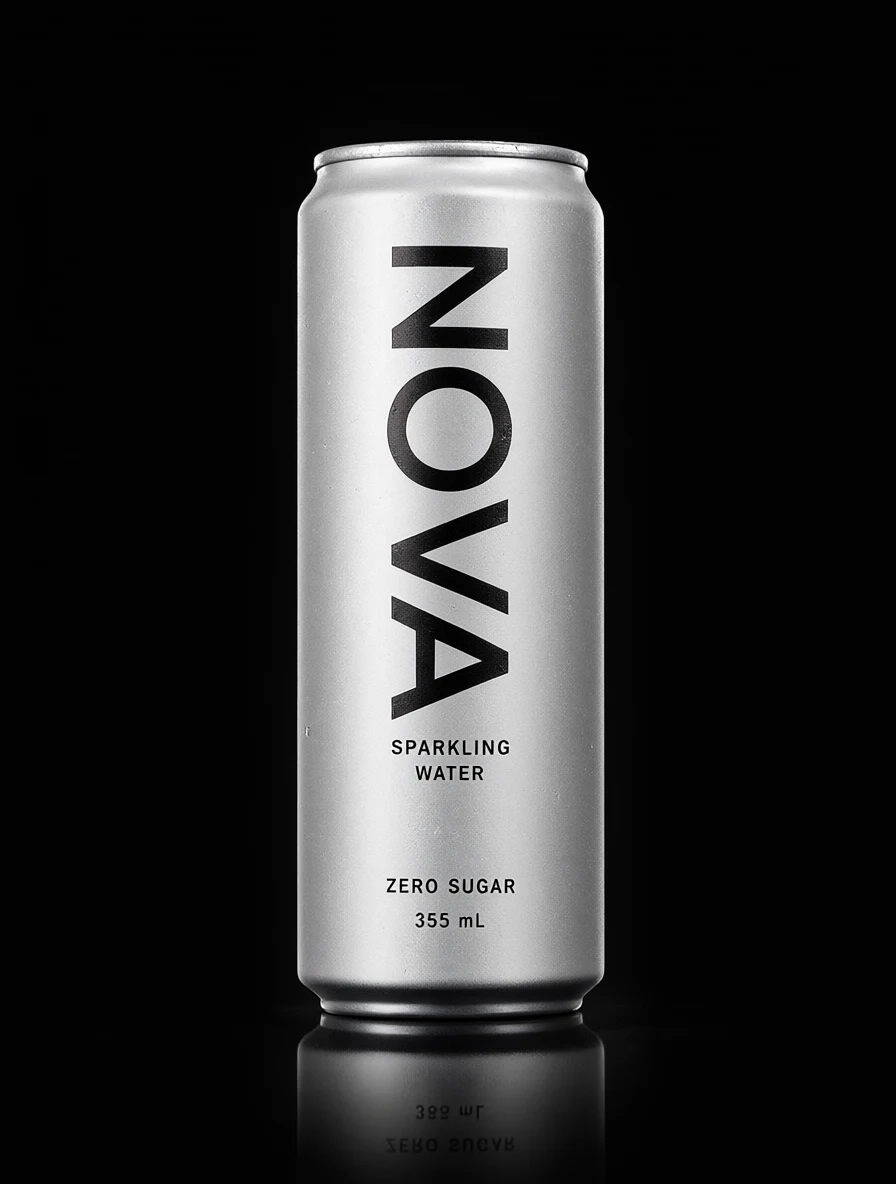
Products & advertising
Create striking product visuals and explore ideas for brands and advertising.
Start creating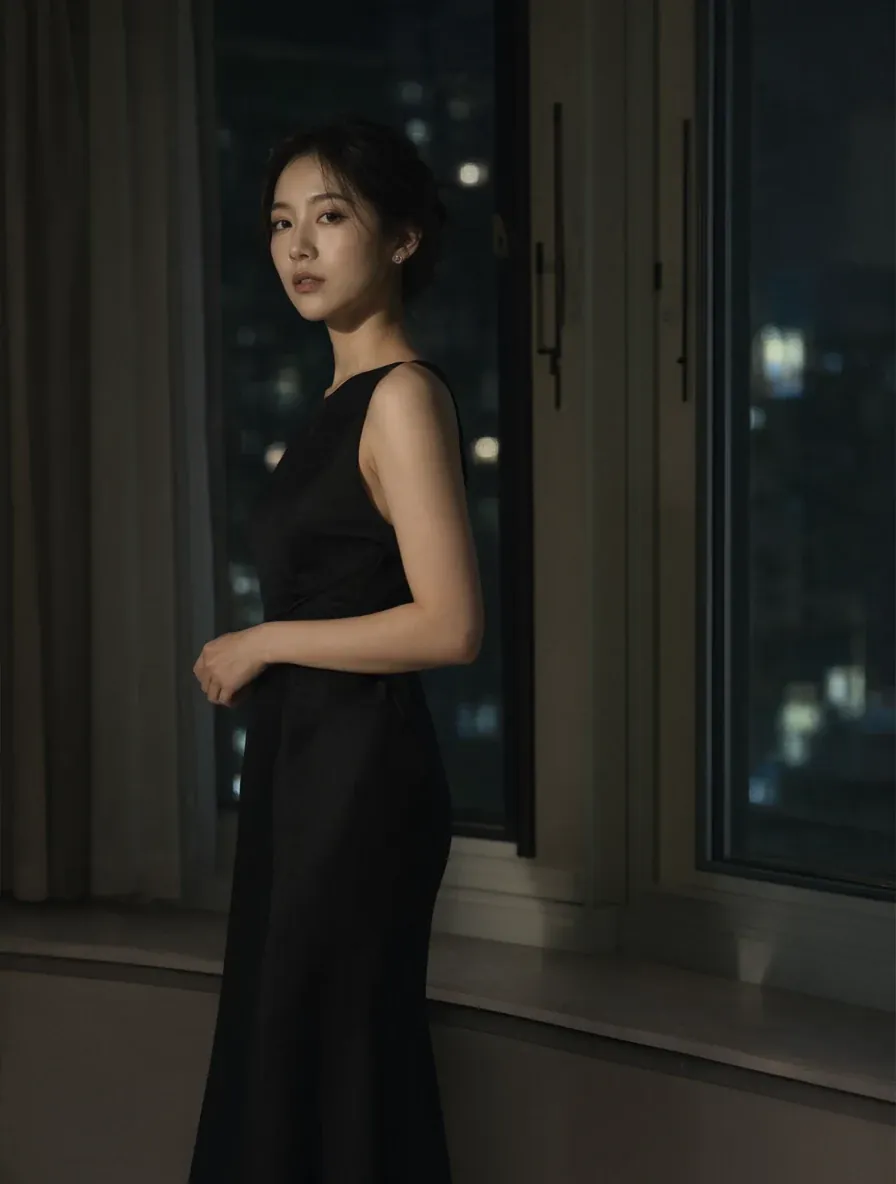
Portraits & photography
From realistic portraits to creative photography, discover a new look.
Start creating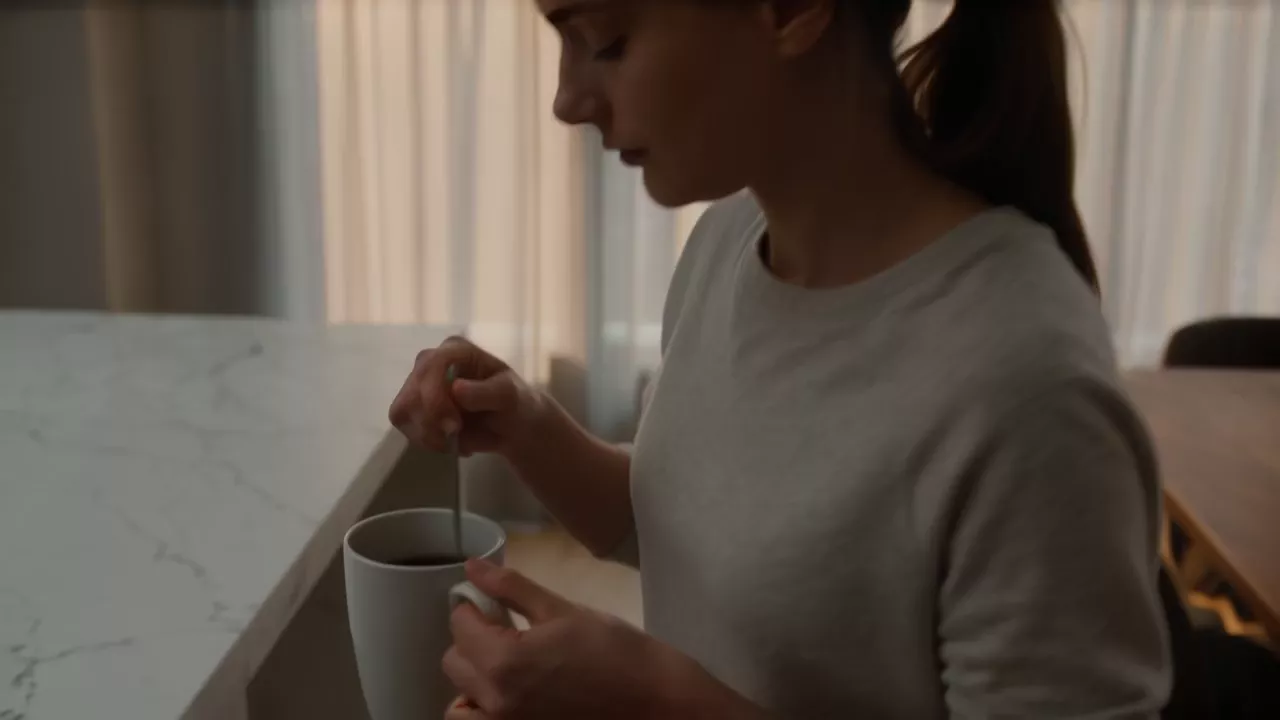
Bring images to life
Start cinematic scenes and moving stories with text and visual references.
Start creating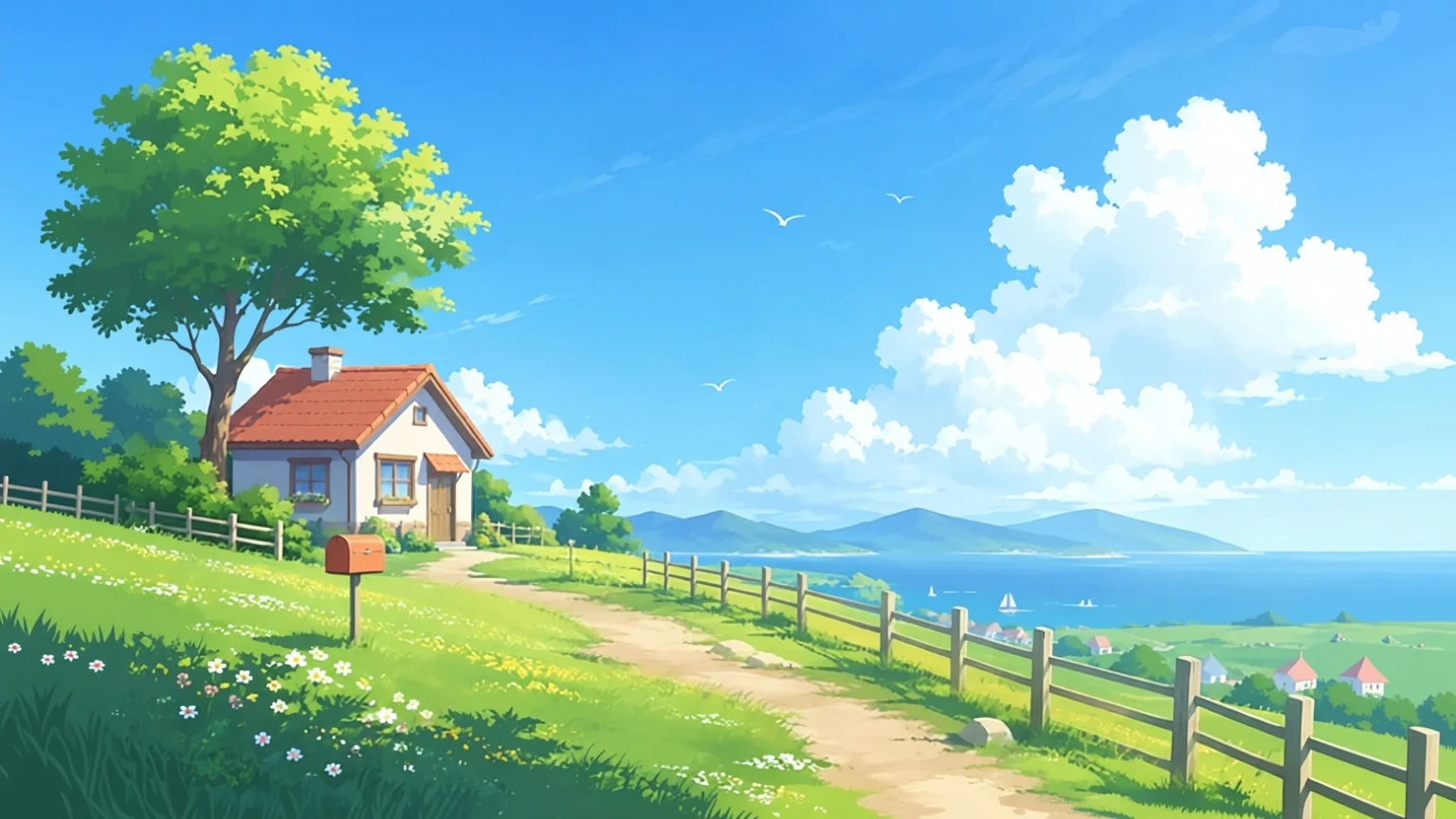
Anime & illustration
Expand your frame and imagination with anime, illustration, and new compositions.
Start creatingCreative tools
18
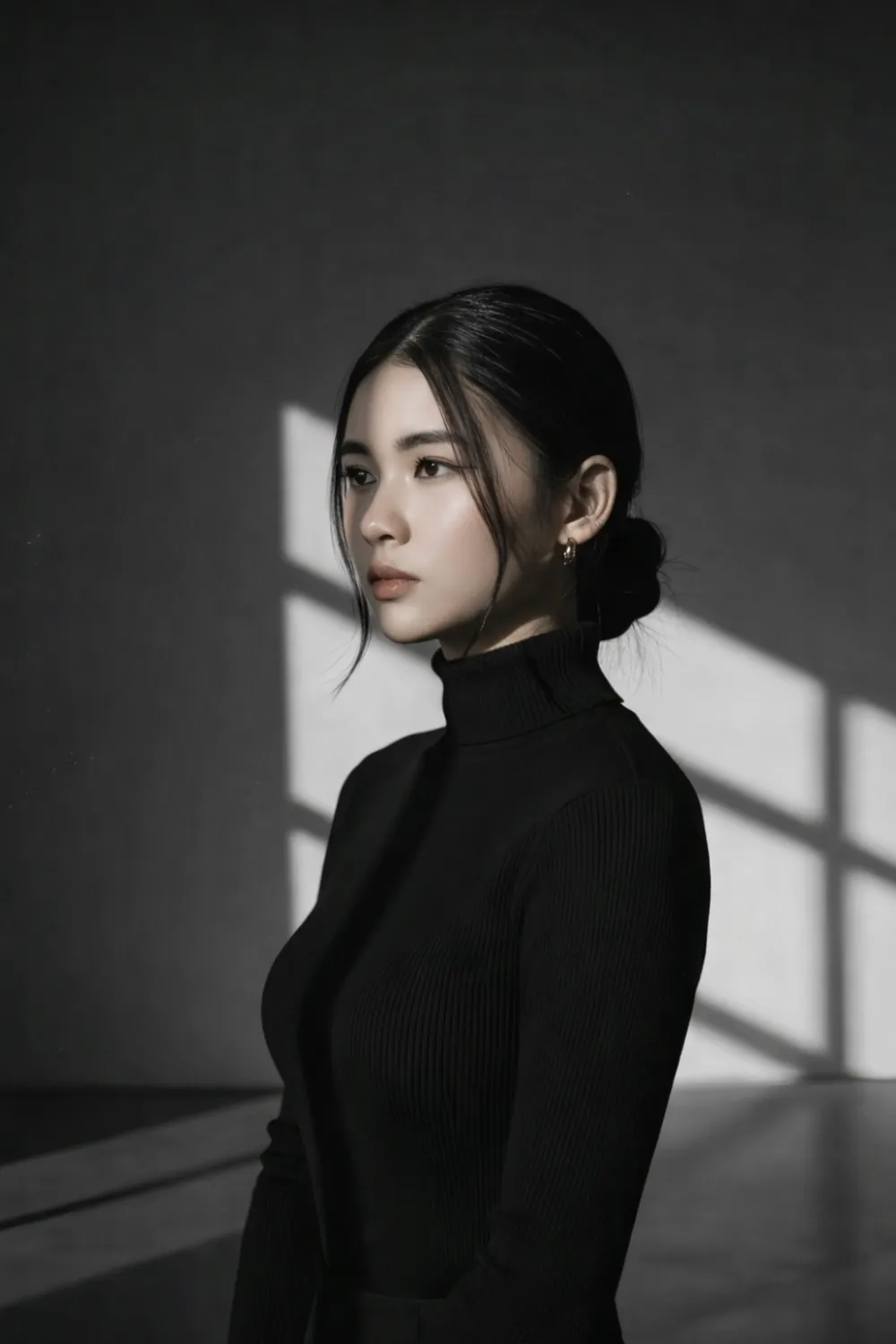 Image Generation
Z Image Turbo
Create images from text or a photo; add custom LoRA styles.
Open tool Image Generation
GPT Image 2.5
Generate images or edit your photos with natural-language prompts.
Open tool Image Generation
GPT Image 2.6
Latest GPT Image with animated GIF and SVG vector output.
Open toolImage GenerationQwen Image 2.1
Create detailed images, edit references, and explore LoRA styles.
Open tool Image Generation
Nano Banana 2.1
Generate and edit images with multiple reference photos.
Open tool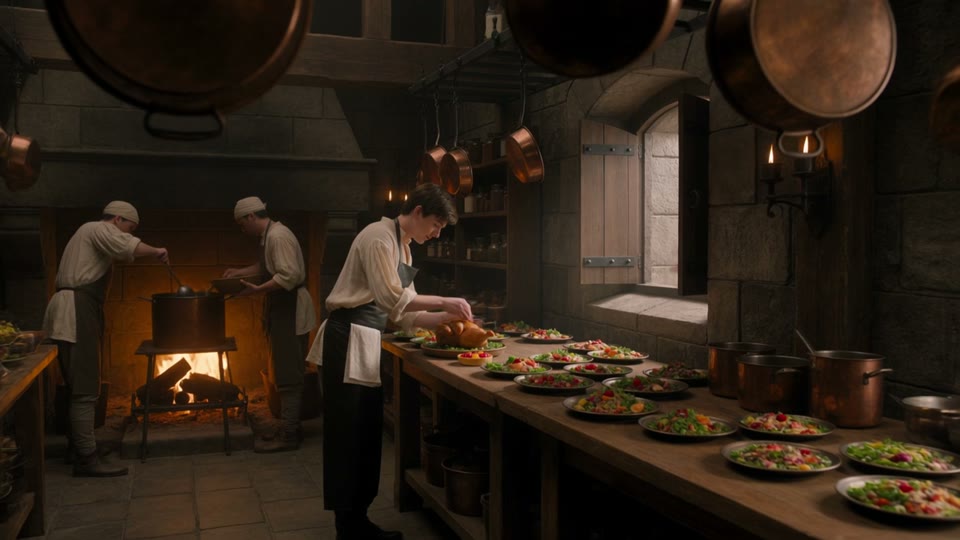 Video Creation
Text to Video
Turn a description into a video
Open tool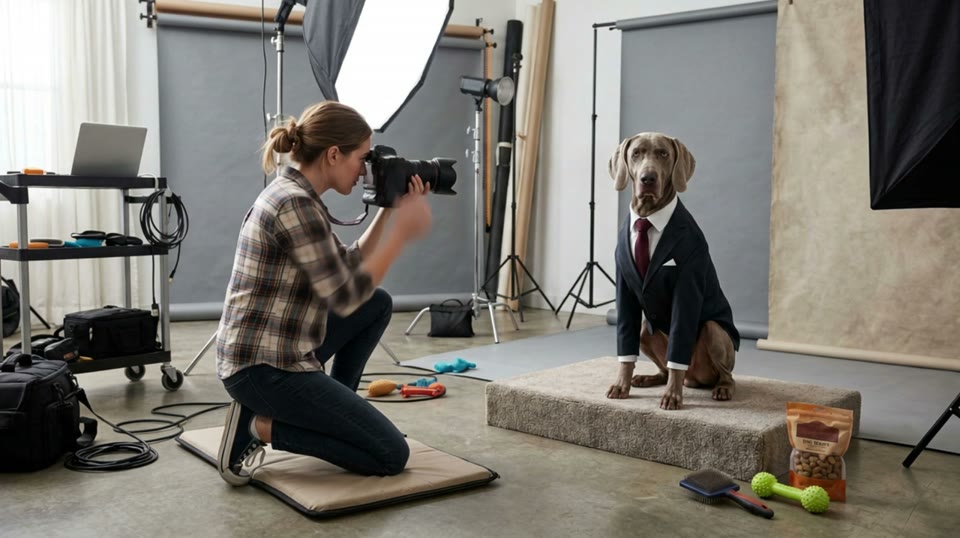 Video Creation
Image to Video
Bring a photo to life
Open tool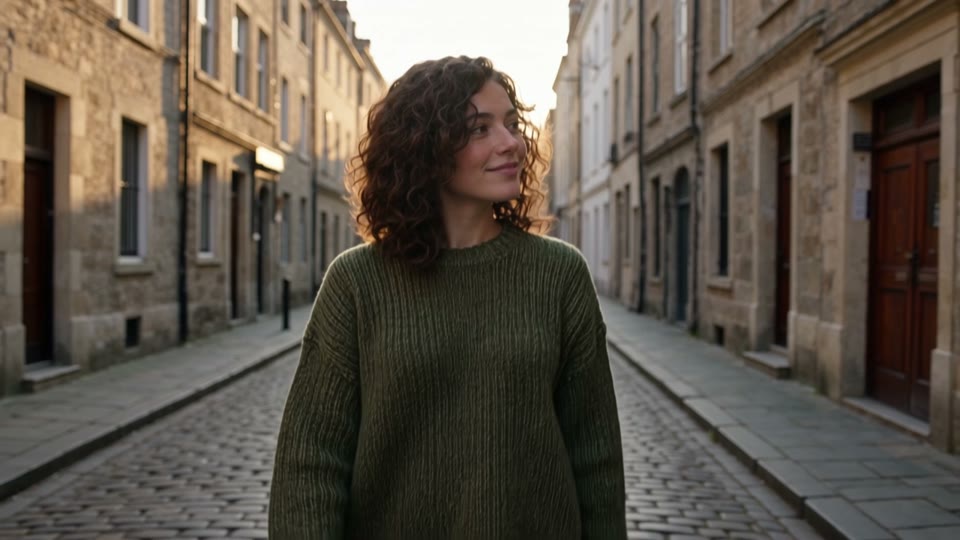 Video Creation
Reference to Video
Guide a video with multiple images
Open tool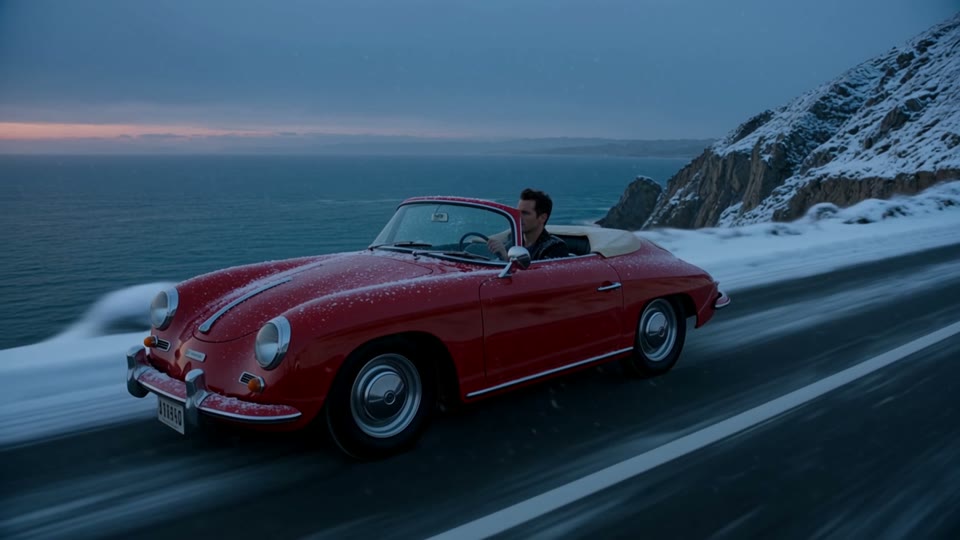 Video Creation
AI Video Editor
Edit an existing video with a prompt
Open tool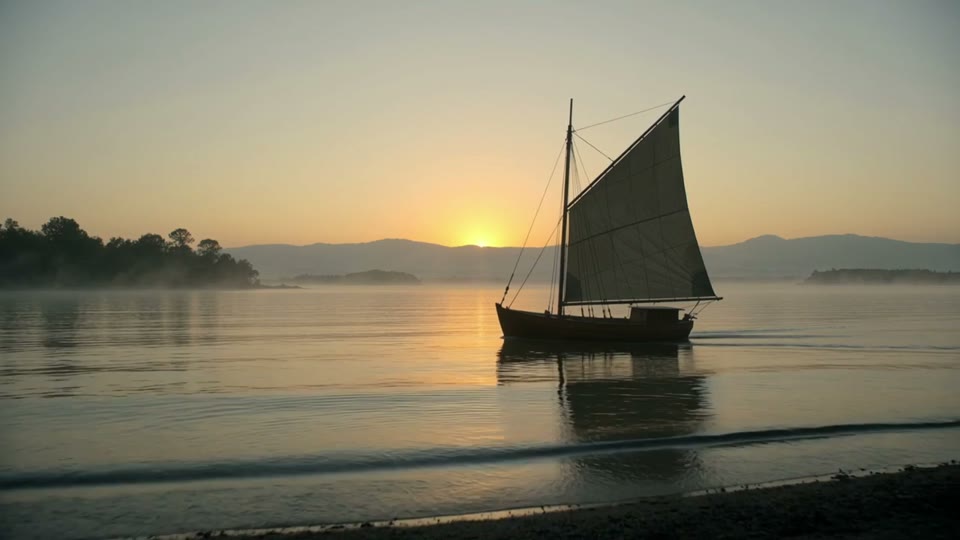 Video Creation
Video Extend
Continue a video with a new segment
Open tool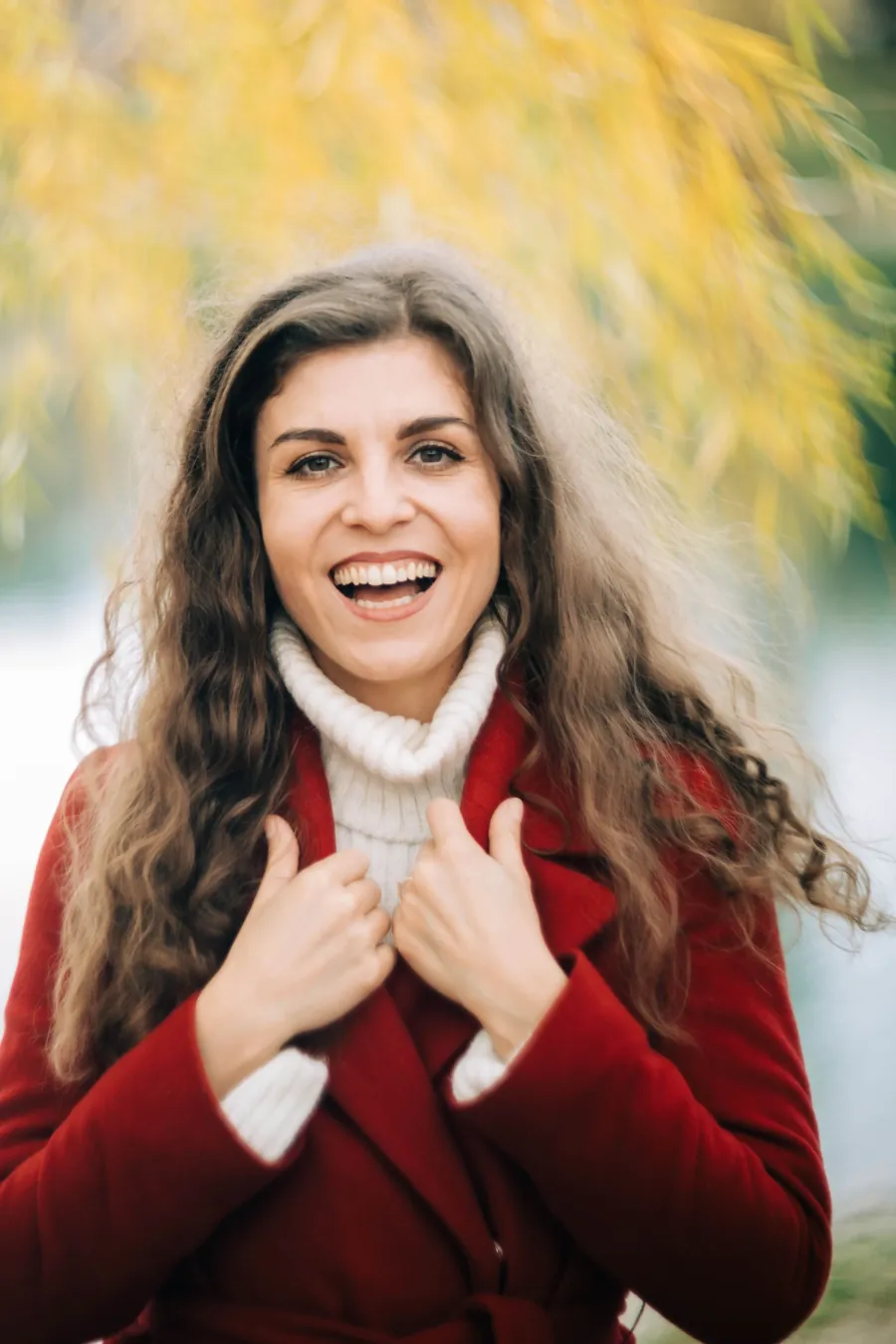 Image Editing
Remove Background
Remove an image background and download a transparent PNG.
Open tool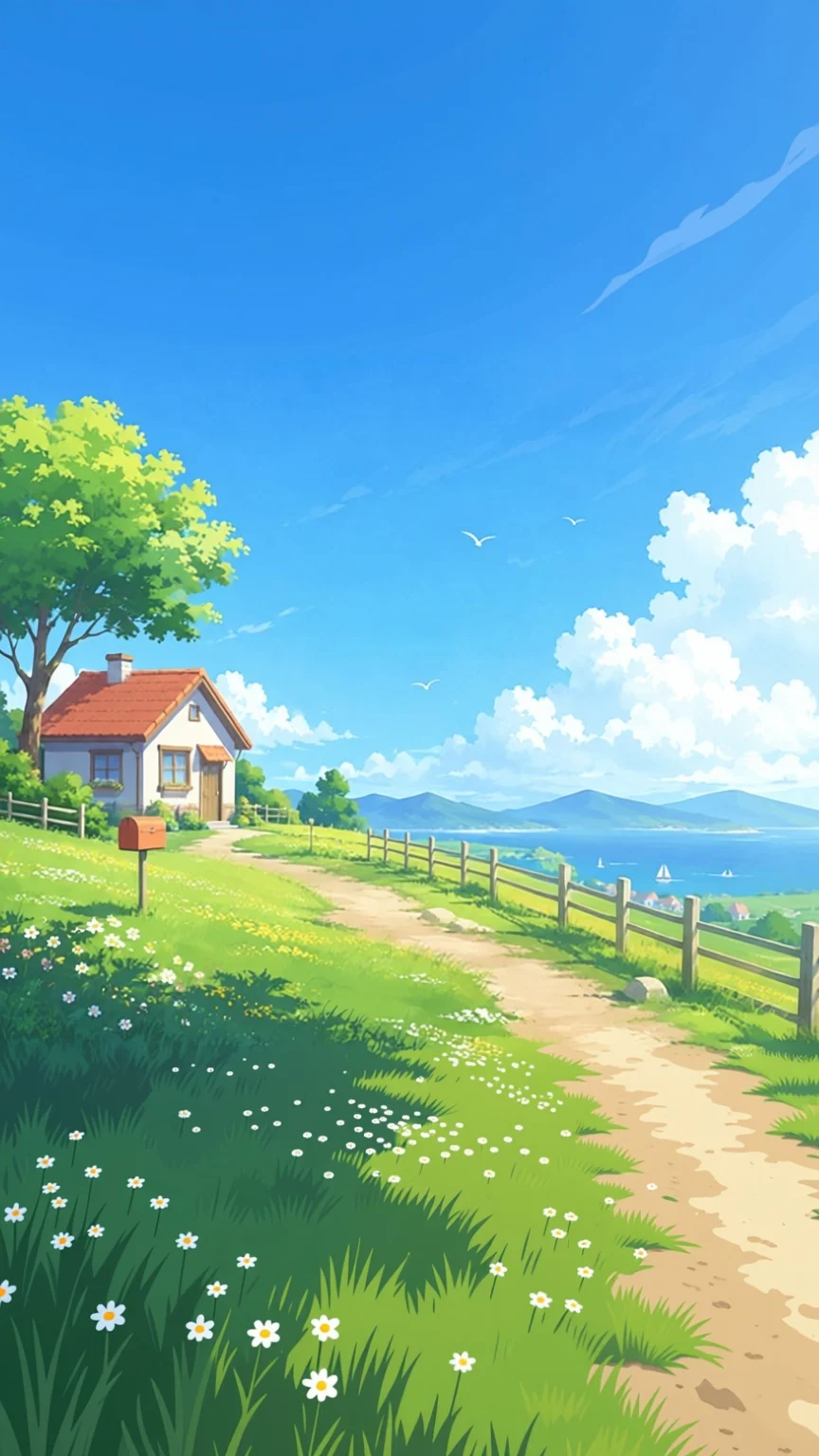 Image Editing
AI Image Extender
Extend your image to a new size or aspect ratio.
Open tool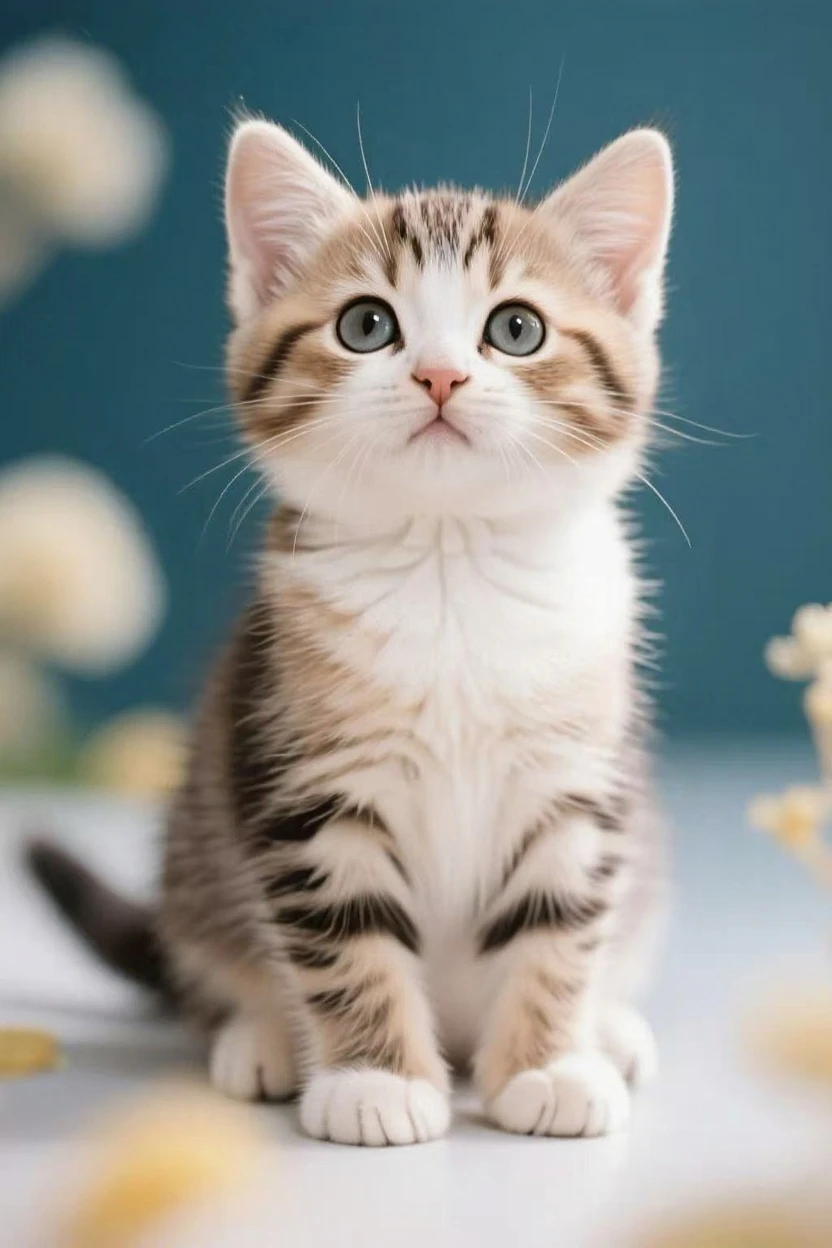 Image Editing
Remove image / video watermarks
Remove text and logo watermarks from images and videos.
Open tool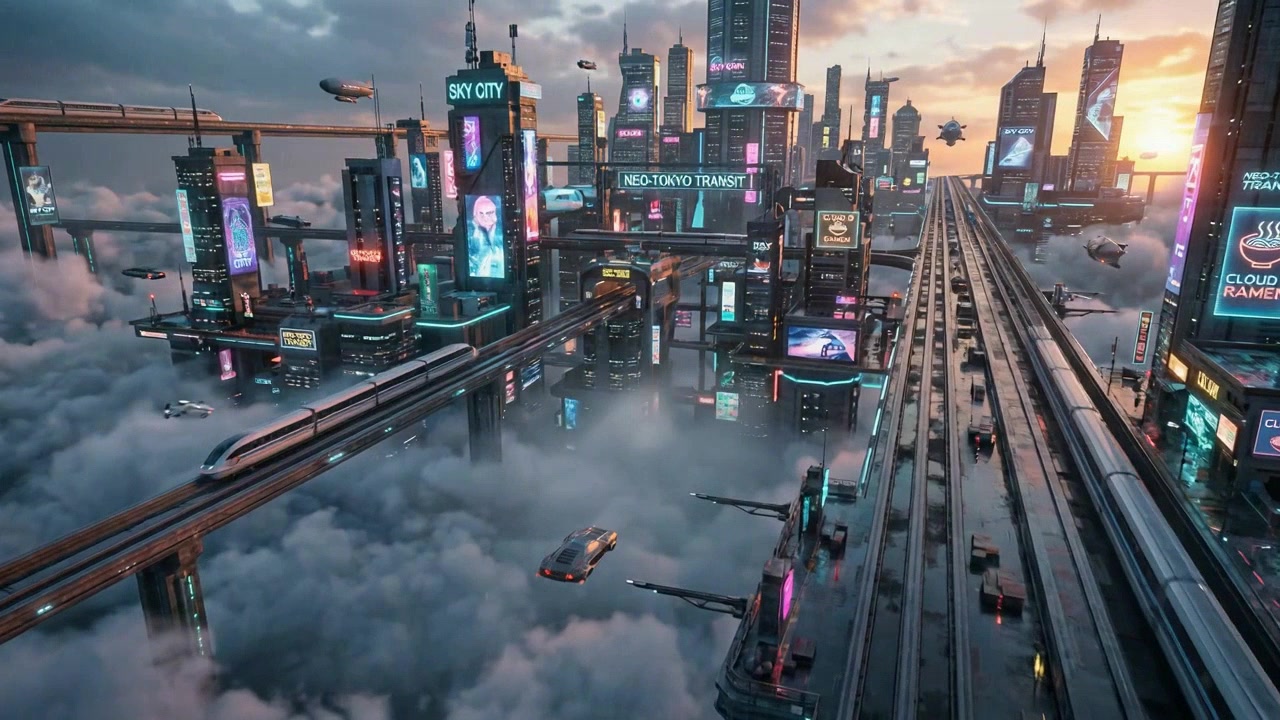 Image Editing
Animate Image
Bring photos to life with natural motion
Open tool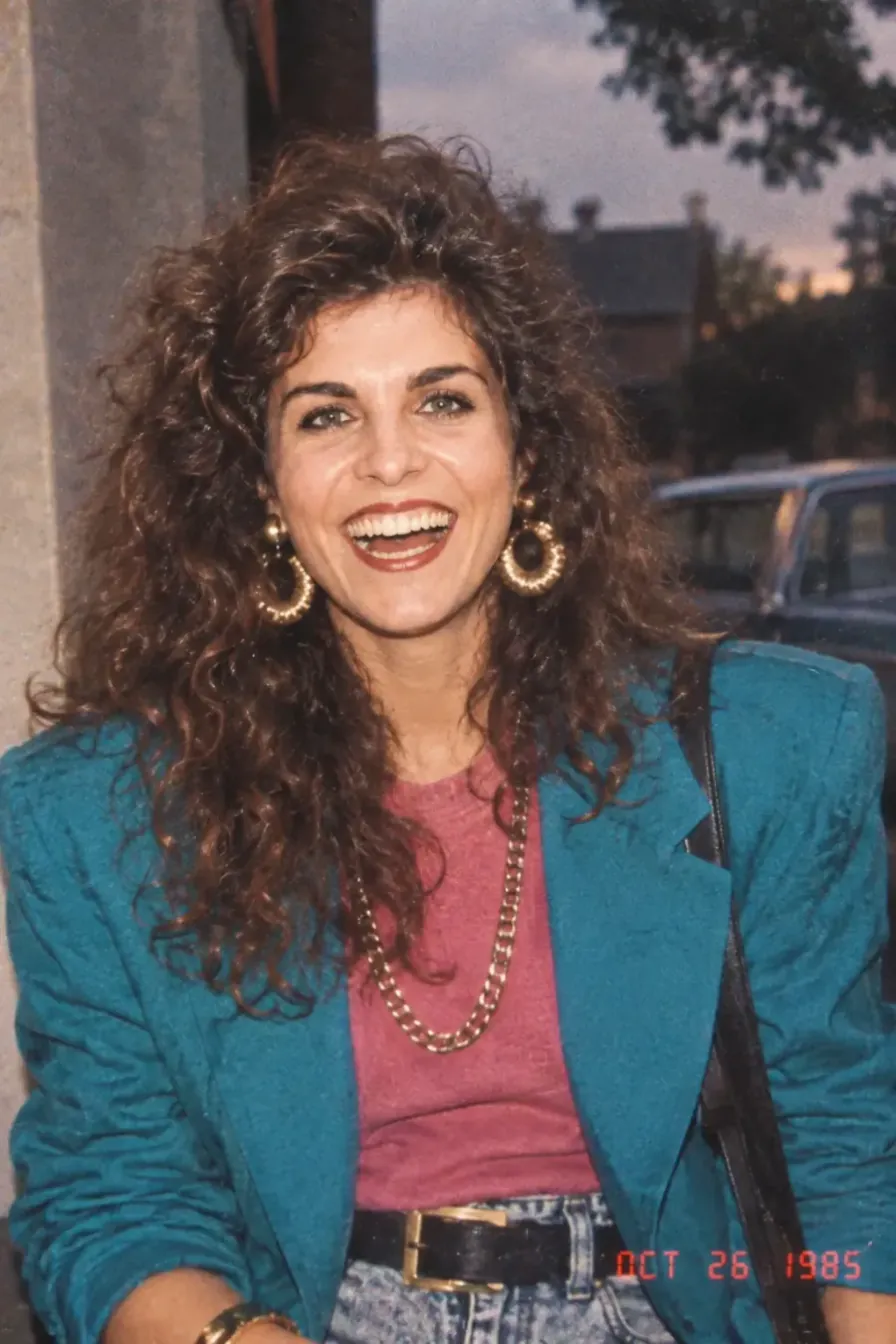 Photo Styles
80s Photo
Turn your photo into a nostalgic 80s studio portrait.
Open tool Photo Styles
Faymas Photo
Explore curated photo looks, from portraits to illustrations.
Open tool Photo Styles
Prompt Seen Photo
Choose a creative prompt and transform your own photos.
Open tool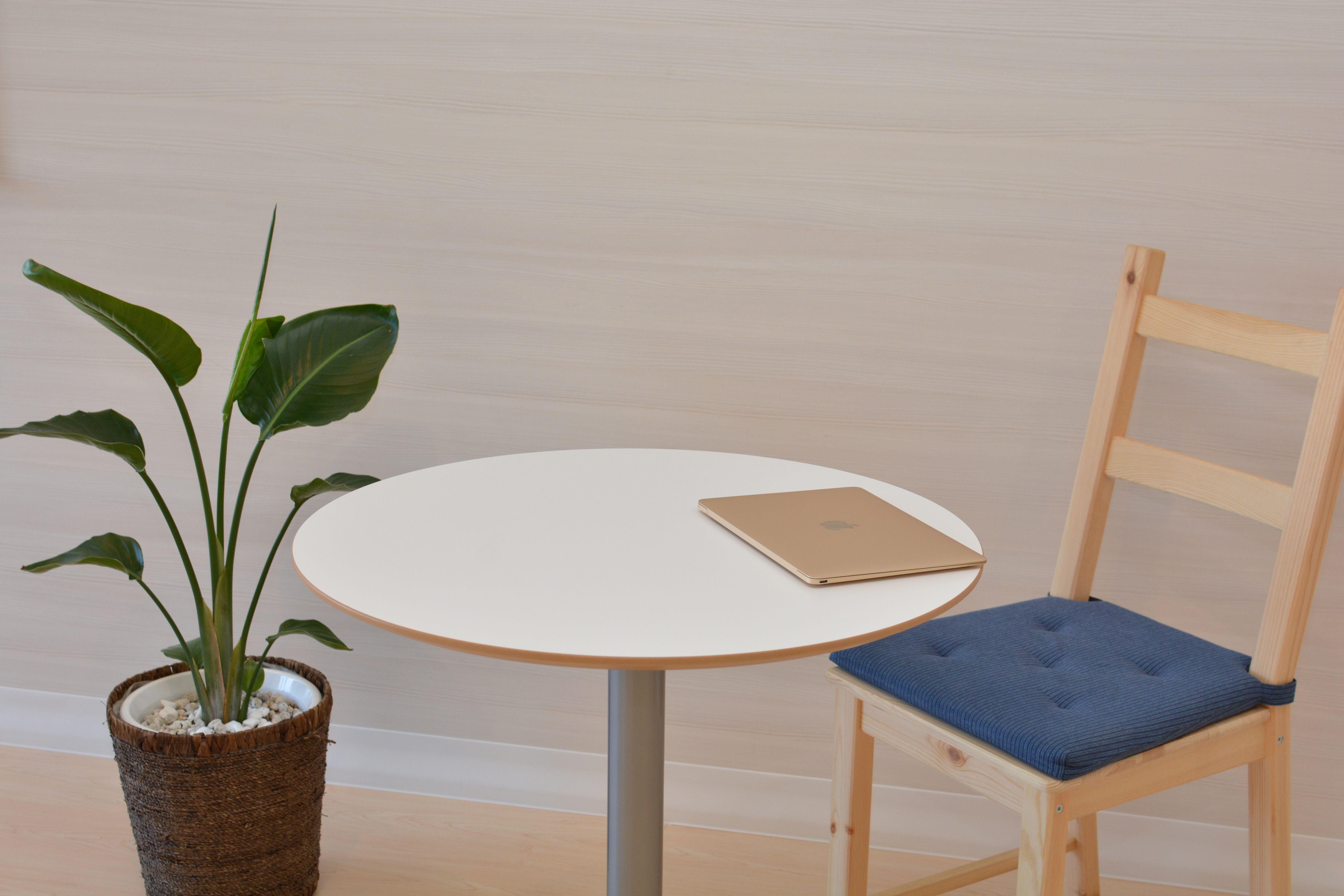 Image to Layers
Separate images into named layers with their positions preserved.
Open toolA few things to know before you start.
What can I create with ImageLayered?
Generate images and videos from text, animate photos, edit reference images or existing videos, explore photo styles, remove backgrounds and watermarks, extend images, or split an image into separate layers. Browse by task or search for a tool to get started.
How do credits work?
Tools share one credit balance. The cost depends on the tool and selected settings, and is shown before generation. Check the pricing page for credit packs and subscriptions.
Can I try it for free?
New accounts receive 20 welcome credits. Whether that covers a generation depends on the tool and settings. Free users queue for supported generation tools; paid users skip that queue.
Should I download my results?
Download your results promptly. Supported image and video tools keep final results in Recent generations for 30 days, where you can preview, download, or delete them. Deleted or expired results cannot be recovered.
What video tools are available?
Video tools include text to video, image to video, reference to video, video editing, video extension, and video watermark removal. Choose an entry based on your text, images, or existing footage. Each tool shows its available settings and cost.